
75 Inch vs 86 Inch Interactive Display – Which Size Should You Choose?
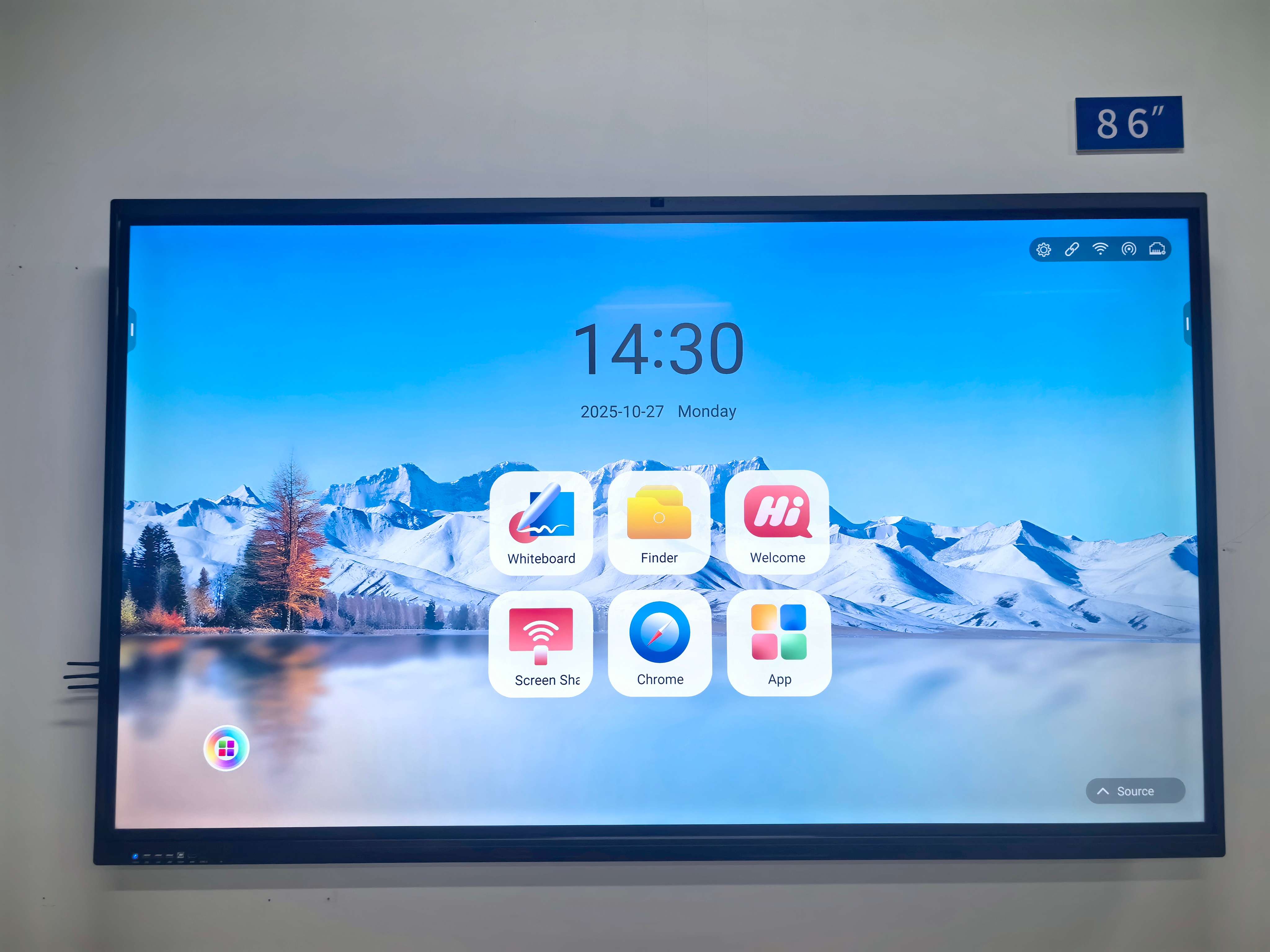
Choosing between a 75-inch interactive display and an 86-inch interactive display is a common decision for schools, businesses, and government organizations planning to upgrade their smart classrooms or meeting rooms. Both sizes deliver excellent visual performance, touch interaction, and collaboration efficiency—but the right choice depends on your room size, audience count, application scenarios, and budget. This guide provides a professional, reliable comparison to help you make the most suitable decision.
1. Screen Size & Viewing Distance
A larger screen increases visibility and readability, especially when displaying detailed content, spreadsheets, or educational resources.
75-inch interactive display
-
Ideal viewing distance: 3–6 meters
-
Suitable for small to medium classrooms, meeting rooms, training rooms
-
Clear enough for 20–30 people
86-inch interactive display
-
Ideal viewing distance: 4–8 meters
-
Designed for large classrooms, lecture halls, and boardrooms
-
Works well for 35–60 people
If your room is under 25㎡, a 75-inch screen fits better. For rooms larger than 30–40㎡, the 86-inch size delivers better visual impact and comfort.
2. Application Scenarios
Different usage environments may require different display sizes.
When a 75-inch is better
-
Standard K–12 classrooms
-
Small meeting rooms (6–12 seats)
-
Limited installation space
-
Budget-sensitive government or enterprise projects
-
Mobile stands or frequently moved equipment
When an 86-inch is better
-
University lecture rooms
-
Corporate boardrooms (12–20 seats)
-
Large training centers or auditoriums
-
Environments requiring presentation to a bigger audience
-
Spaces where presenters stand farther from the display
If your sessions rely heavily on data visualization, CAD models, or multi-window content, an 86-inch display significantly improves user experience.
3. User Interaction Experience
Both sizes support multi-touch, wireless screen sharing, and annotation. However, the 86-inch display provides a broader writing and collaboration area, which benefits:
-
Group brainstorming
-
Multi-user whiteboarding
-
Presenters who need more writing space
For basic teaching or meeting needs, a 75-inch model is already sufficient.
4. Cost & Total Investment
Price difference is often a key factor. Typically:
-
86-inch displays cost 25–40% more than 75-inch models
-
Installation, logistics, and mounting hardware may also be more expensive for larger sizes
If your project involves bulk procurement, the cost impact between the two sizes becomes even more significant.
5. Final Recommendation
Choose a 75-inch interactive display if:
-
Your room is under 25–30㎡
-
You have 20–30 participants
-
You want balanced performance and price
-
Mobility and installation flexibility are important
Choose an 86-inch interactive display if:
-
You need impactful presentation in large rooms
-
Audience size is 35–60+
-
You want maximum visibility for detailed content
-
Budget allows for premium-size equipment
In summary, both the 75-inch and 86-inch interactive displays are powerful tools for modern education and business collaboration. The best choice depends on room size, audience count, and budget. If you prioritize cost-effectiveness and flexible deployment, choose 75 inches. If you need a commanding visual presence and large-scale participation, choose 86 inches.
TORUI Interactive Whiteboard Manufacturing Process: A Full-Cycle Service System You Can Trust
RK3588 vs RK3576 for Interactive Whiteboards — Which Is Better?
Related Article



