
Classroom Upgrade Solutions: Interactive Whiteboards Empower Smart Classrooms
author: toruitech
2025-09-29
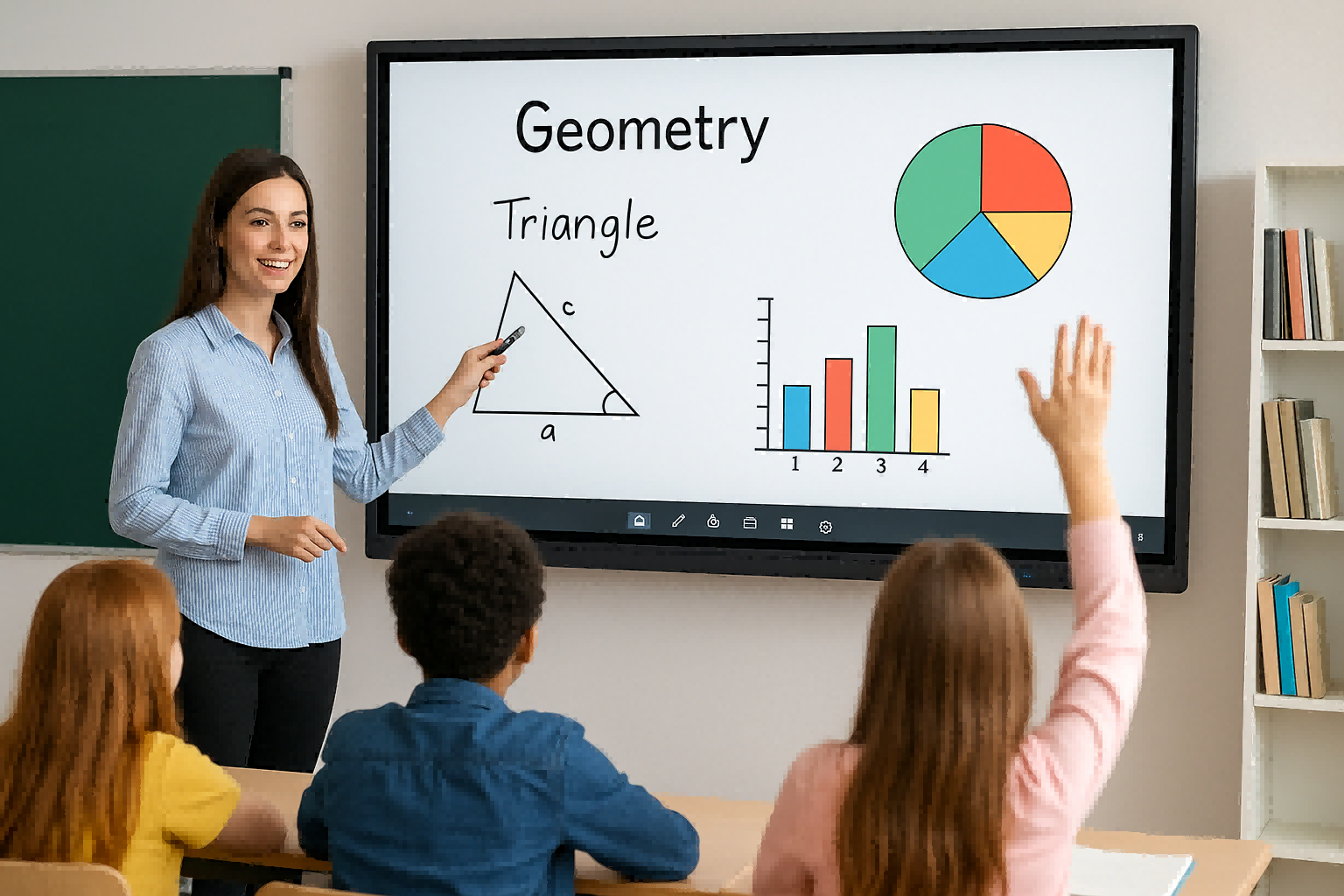
Amid the rapid development of educational informatization, classroom upgrades have become a crucial issue for improving teaching quality. While traditional blackboards and projectors are simple and intuitive, they no longer meet the demands of modern classrooms in terms of interactivity and efficiency. As a core solution for classroom upgrades, interactive whiteboards are gradually being adopted by more and more schools, contributing to the realization of smart classrooms.
Interactive whiteboards integrate display, writing, touch, and multimedia functions, enabling teachers to more effectively present their lessons. For example, teachers can write and annotate directly on the whiteboard and quickly access teaching resources such as images and videos, making key points more intuitive and easier to understand. This multimedia integration not only improves classroom efficiency but also enhances student learning interest.
In terms of interactivity, interactive whiteboards break the traditional one-way model of "teacher lectures, students listen." Students can approach the whiteboard and participate in operations, enabling group collaboration and interactive learning. This not only increases classroom engagement but also stimulates students' creativity and critical thinking. Furthermore, teachers can use the whiteboard to gain timely feedback from students, allowing them to flexibly adjust their teaching strategies.
Furthermore, interactive whiteboards seamlessly integrate with online teaching platforms and educational software, enabling an integrated learning process encompassing pre-class preparation, in-class interaction, and post-class review. This approach allows students to engage in personalized learning, while schools can better share educational resources and promote balanced development.
In short, interactive whiteboards are not only a hardware option for classroom upgrades but also a key driver of transformative teaching philosophies. They make classrooms smarter and more efficient, providing solid support for future educational development.
Southeast Asia Interactive Whiteboard Market Analysis
The Value and Significance of Upgrading Schools with Interactive Whiteboards
Related Article

Choosing the right interactive whiteboard size is an important decision for distributors, wholesalers, and education technology suppliers. The 65-inch, 75-inch, and 86-inch interactive whiteboards are popular options for classrooms, meeting rooms, training centers, and commercial projects.
65 vs 75 vs 86-Inch Interactive Whiteboard: Which Model Should Distributors Choose?

Choosing the right interactive whiteboard manufacturer in China is an important decision for distributors, wholesalers, education technology suppliers, and system integrators. The right manufacturing partner can help businesses improve product quality, maintain competitive pricing, customize products for local markets, and build a sustainable distribution business.
Who Are the Best Interactive Whiteboard Manufacturers in China for B2B Distributors and Wholesalers?

Choosing an interactive whiteboard involves more than comparing screen sizes and prices. For schools, businesses, distributors, wholesalers, and system integrators, understanding the technical specifications is essential to selecting a reliable product that meets different application requirements.
Interactive Whiteboard Technical Specifications Explained: A Complete Guide to CPU, RAM, Storage, Touch, Panel, OPS, Camera and Connectivity

Choosing an interactive whiteboard for a school, meeting room, training center, government organization or commercial project requires more than comparing screen size and price. The most important specifications include display resolution, brightness, touch technology, operating system, processor, memory, storage, OPS compatibility, camera and microphone performance, connectivity, durability and after-sales support.
How to Choose an Interactive Whiteboard: A Technical Guide to Display, Touch, OS, OPS, Camera and Connectivity