
How Interactive Whiteboards Improve Corporate Training Efficiency
author: toruitech
2025-11-03
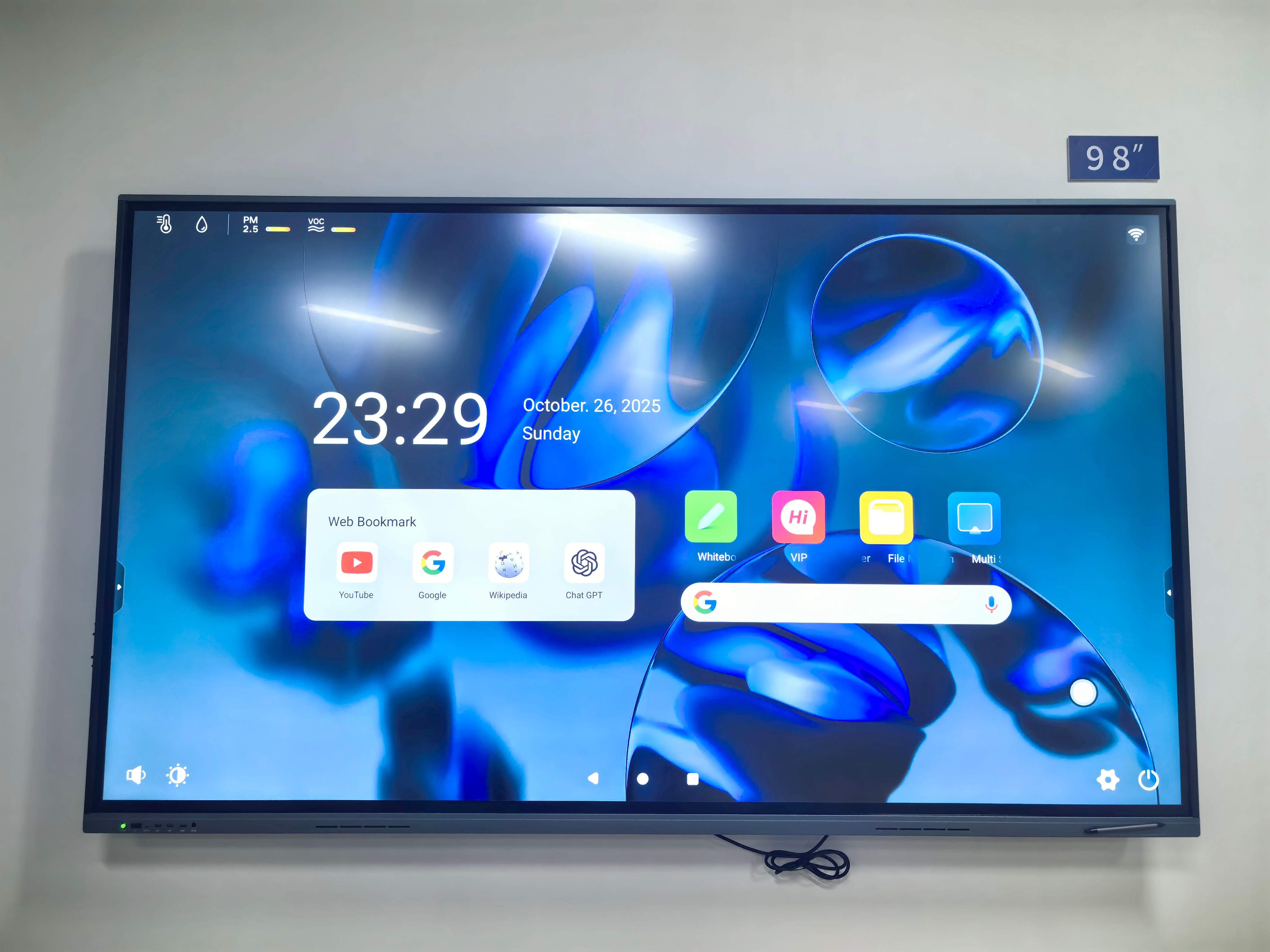
In today’s competitive business environment, effective employee training is essential to success. Traditional methods like printed manuals and PowerPoint lectures often fail to engage modern learners. Interactive whiteboards (IWBs) have revolutionized corporate training by making sessions more visual, interactive, and productive. Here’s how these innovative tools enhance training efficiency across global organizations.
1. Boosting Engagement Through Interactive Learning
Interactive whiteboards transform training sessions from one-way communication into active participation. Employees can write notes, draw diagrams, and interact directly with content on the screen. Trainers can also include videos, charts, and animations to explain complex ideas more effectively. This high level of engagement improves knowledge retention and helps employees stay focused throughout the session.
2. Encouraging Real-Time Collaboration and Teamwork
Modern companies rely on teamwork across departments and countries. Interactive whiteboards enable real-time collaboration by allowing multiple users to contribute ideas—both on-site and remotely. Teams can brainstorm, edit shared documents, and visualize solutions together. This fosters communication, inclusivity, and faster decision-making.
3. Simplifying Content Sharing and Knowledge Retention
One major benefit of interactive whiteboards is the ability to save and share training materials instantly. Every annotation or note written on the screen can be stored and distributed after the session. This eliminates repetitive work, ensures consistency across different training programs, and allows employees to review materials anytime.
4. Data-Driven Feedback and Smarter Assessment
Modern IWBs often integrate with Learning Management Systems (LMS) and support real-time assessments. Trainers can run quick quizzes, polls, or surveys to evaluate understanding. With data analytics, organizations can identify weak areas and personalize follow-up sessions for better learning outcomes.
5. Saving Time and Costs in Corporate Training
While purchasing interactive whiteboards requires an initial investment, the long-term benefits are substantial. Companies save on printing, travel, and venue costs. Digital training sessions can be recorded and reused, reducing preparation time. Over time, this results in improved training efficiency and cost-effectiveness.
6. Building a Tech-Driven Learning Culture
Implementing interactive whiteboards shows a company’s commitment to innovation and continuous learning. It attracts younger, tech-oriented employees and helps create a modern, engaging workplace culture. A technology-enhanced training environment promotes creativity, collaboration, and long-term employee development.
Conclusion
Interactive whiteboards have redefined corporate training by combining engagement, collaboration, and data-driven learning. They empower trainers and employees to communicate, share, and grow more efficiently. For companies aiming to build smarter teams and modern learning environments, adopting interactive whiteboards is not just a tool—it’s a strategic advantage.
The Role of Interactive Whiteboards in Smart Meeting Rooms
TORUI’s Commitment to Quality Inspection and Customer Service
Related Article

Choosing the right interactive whiteboard size is an important decision for distributors, wholesalers, and education technology suppliers. The 65-inch, 75-inch, and 86-inch interactive whiteboards are popular options for classrooms, meeting rooms, training centers, and commercial projects.
65 vs 75 vs 86-Inch Interactive Whiteboard: Which Model Should Distributors Choose?

Choosing the right interactive whiteboard manufacturer in China is an important decision for distributors, wholesalers, education technology suppliers, and system integrators. The right manufacturing partner can help businesses improve product quality, maintain competitive pricing, customize products for local markets, and build a sustainable distribution business.
Who Are the Best Interactive Whiteboard Manufacturers in China for B2B Distributors and Wholesalers?

Choosing an interactive whiteboard involves more than comparing screen sizes and prices. For schools, businesses, distributors, wholesalers, and system integrators, understanding the technical specifications is essential to selecting a reliable product that meets different application requirements.
Interactive Whiteboard Technical Specifications Explained: A Complete Guide to CPU, RAM, Storage, Touch, Panel, OPS, Camera and Connectivity

Choosing an interactive whiteboard for a school, meeting room, training center, government organization or commercial project requires more than comparing screen size and price. The most important specifications include display resolution, brightness, touch technology, operating system, processor, memory, storage, OPS compatibility, camera and microphone performance, connectivity, durability and after-sales support.
How to Choose an Interactive Whiteboard: A Technical Guide to Display, Touch, OS, OPS, Camera and Connectivity