
How to Choose a Reliable Interactive Whiteboard That Won’t Fail in Class or Meetings
author: toruitech
2026-04-27
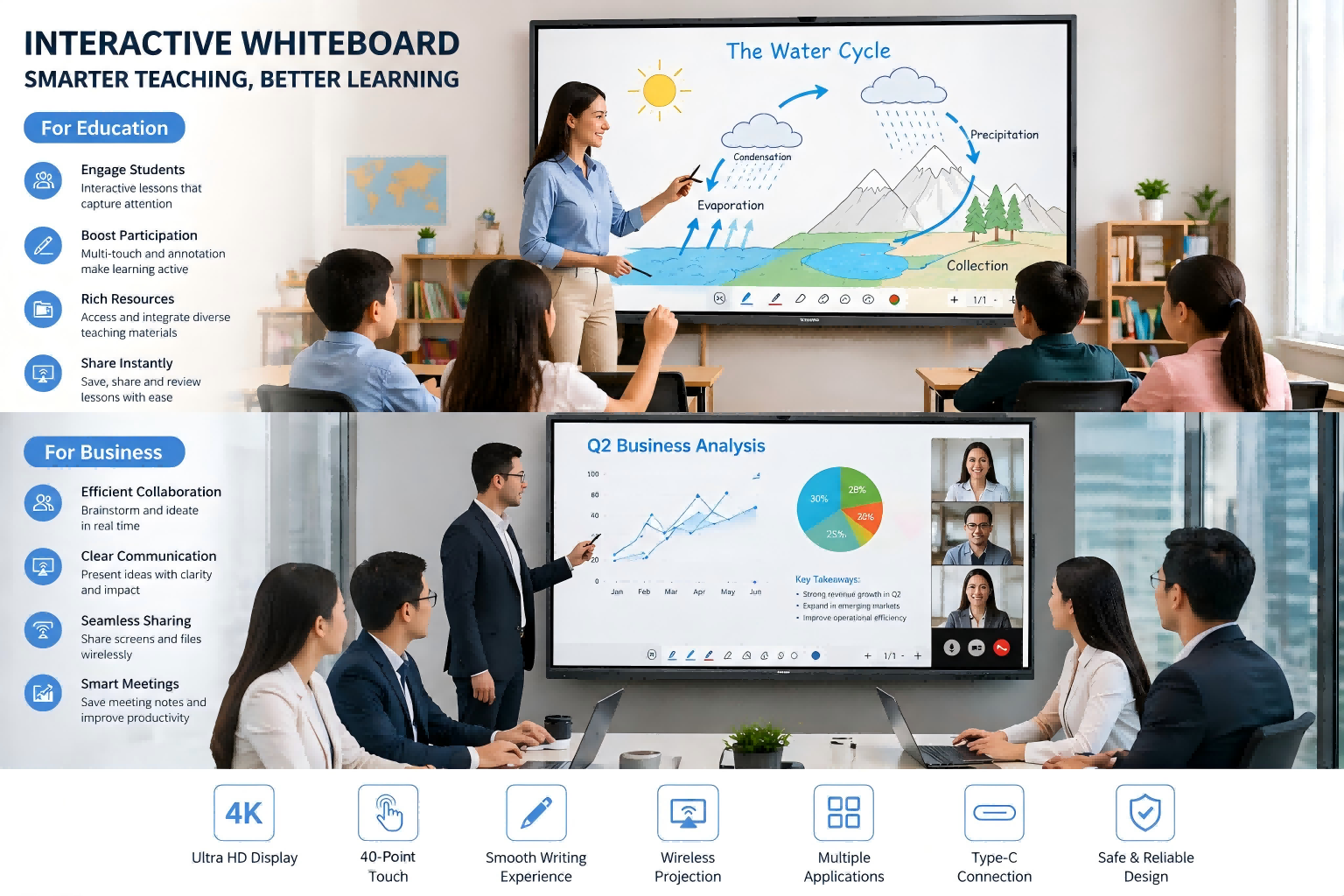
Choosing an interactive whiteboard (IWB) is not just about buying a display—it’s about investing in a long-term teaching and collaboration tool. In classrooms and meeting rooms, reliability is critical. A lagging touch response or system crash can disrupt learning, break presentation flow, and damage user confidence. Here’s a practical, professional guide to help you select a whiteboard that performs consistently under real-world conditions.
1. Prioritize Touch Accuracy and Writing Experience
The core function of any interactive whiteboard is touch interaction. Look for devices with high-precision infrared (IR) or capacitive touch technology that supports multi-touch and smooth writing. A reliable IWB should deliver low latency, accurate tracking, and palm rejection. Test whether writing feels natural—similar to pen on paper—without delays or broken lines. In teaching scenarios, this directly affects engagement and efficiency.
2. Evaluate System Stability and Performance
A powerful processor and optimized operating system are essential. Many IWBs run on Android, Windows, or dual systems. Check for sufficient RAM (at least 4GB–8GB) and storage to ensure smooth multitasking. Stability matters more than raw specs—frequent freezing or app crashes will quickly frustrate users. Ask suppliers about long-term performance, firmware updates, and system optimization.
3. Check Display Quality and Eye Comfort
Since IWBs are used for extended periods, screen quality is crucial. Choose a 4K UHD display with anti-glare coating and wide viewing angles. Brightness (typically 300–400 nits) should be suitable for well-lit rooms. Eye-care features such as low blue light and flicker-free technology are especially important in classrooms to reduce visual fatigue for students and teachers.
4. Ensure Seamless Connectivity and Compatibility
A reliable interactive whiteboard must integrate easily with other devices. Look for built-in wireless screen sharing that supports multiple platforms (Windows, macOS, iOS, Android). Compatibility with common software tools—such as presentation apps, video conferencing platforms, and educational software—is essential. Unstable casting or connection failures are among the most common user complaints.
5. Assess Build Quality and Lifespan
Durability directly impacts long-term reliability. High-quality tempered glass, robust metal frames, and industrial-grade components help extend the product’s lifespan. A well-built IWB should handle daily intensive use for 5–8 years. Don’t overlook heat dissipation design—overheating can reduce performance and shorten hardware life.
6. Review After-Sales Support and Warranty
Even the best hardware needs support. Choose a supplier that offers clear warranty terms, responsive technical support, and available spare parts. Remote troubleshooting, software updates, and training resources add significant value. Reliable after-sales service ensures minimal downtime when issues arise.
7. Look for Proven Use Cases and Certifications
Finally, check real-world applications. Has the product been deployed in schools, corporate offices, or government projects? Certifications such as CE, FCC, or RoHS indicate compliance with international standards. These factors provide additional assurance of product quality and reliability.
Conclusion
A reliable interactive whiteboard is defined not by its specifications alone, but by its consistent performance in everyday use. By focusing on touch accuracy, system stability, display quality, connectivity, durability, and supplier support, you can make a confident decision. Ultimately, the right choice ensures uninterrupted teaching and seamless meetings—exactly what modern environments demand.
Interactive Whiteboard OEM/ODM Services: A Strategic Guide for Global Buyers
How to Import Interactive Whiteboard from China: The 2026 Step-by-Step Guide
Related Article

Choosing the right interactive whiteboard size is an important decision for distributors, wholesalers, and education technology suppliers. The 65-inch, 75-inch, and 86-inch interactive whiteboards are popular options for classrooms, meeting rooms, training centers, and commercial projects.
65 vs 75 vs 86-Inch Interactive Whiteboard: Which Model Should Distributors Choose?

Choosing the right interactive whiteboard manufacturer in China is an important decision for distributors, wholesalers, education technology suppliers, and system integrators. The right manufacturing partner can help businesses improve product quality, maintain competitive pricing, customize products for local markets, and build a sustainable distribution business.
Who Are the Best Interactive Whiteboard Manufacturers in China for B2B Distributors and Wholesalers?

Choosing an interactive whiteboard involves more than comparing screen sizes and prices. For schools, businesses, distributors, wholesalers, and system integrators, understanding the technical specifications is essential to selecting a reliable product that meets different application requirements.
Interactive Whiteboard Technical Specifications Explained: A Complete Guide to CPU, RAM, Storage, Touch, Panel, OPS, Camera and Connectivity

Choosing an interactive whiteboard for a school, meeting room, training center, government organization or commercial project requires more than comparing screen size and price. The most important specifications include display resolution, brightness, touch technology, operating system, processor, memory, storage, OPS compatibility, camera and microphone performance, connectivity, durability and after-sales support.
How to Choose an Interactive Whiteboard: A Technical Guide to Display, Touch, OS, OPS, Camera and Connectivity