How to Choose an Interactive Whiteboard for Schools, Meeting Rooms and Business Use
Choosing the right interactive whiteboard is an important decision for schools, meeting rooms, training centers, and businesses. The best interactive whiteboard is not necessarily the one with the largest screen or the highest specifications. Buyers should consider screen size, display quality, touch performance, operating system, connectivity, software compatibility, camera and microphone functions, durability, warranty, and after-sales support.
This guide explains the key factors to consider when choosing an interactive whiteboard for different professional environments.
1. Choose the Right Screen Size
Screen size should match the room size, viewing distance, and number of users.
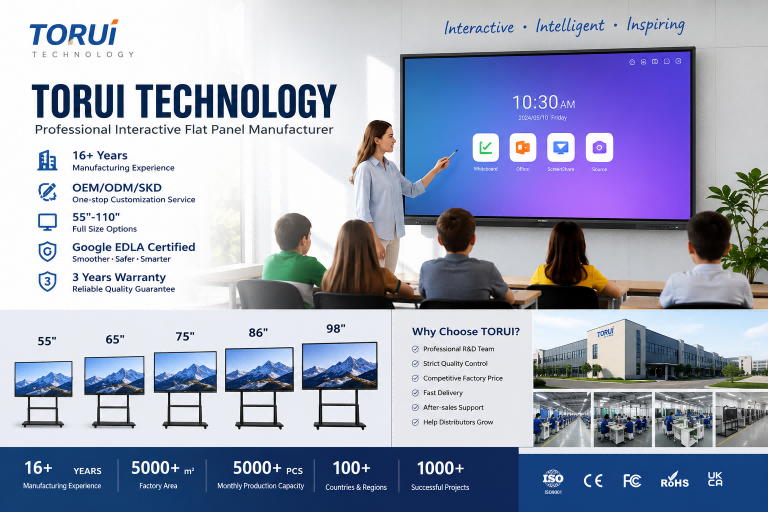
For classrooms and small meeting rooms, 55-inch or 65-inch interactive whiteboards can be suitable when users sit relatively close to the display. For medium-sized classrooms and conference rooms, 75-inch or 86-inch models generally provide a larger visual area for presentations, annotation, and collaborative work.
For large conference rooms, training centers, lecture halls, and corporate spaces, 98-inch or 110-inch interactive whiteboards can provide better visibility for participants sitting farther away.
The key principle is simple: the larger the room and the greater the viewing distance, the more important a larger display becomes.
2. Consider Display Resolution and Image Quality
Display quality directly affects the viewing experience. For professional education and business applications, 4K resolution is increasingly preferred because it provides sharper text, presentations, diagrams, videos, and detailed documents.
However, resolution is not the only factor. Buyers should also consider brightness, contrast, viewing angle, color accuracy, and anti-glare performance.
A high-quality interactive whiteboard should provide clear visibility under typical classroom or office lighting conditions. This is particularly important when the screen is used for presentations throughout the day.
3. Evaluate Touch Performance
Touch technology is one of the most important differences between an interactive whiteboard and a conventional display.
When comparing models, buyers should check:
- Number of simultaneous touch points
- Touch accuracy
- Writing response speed
- Palm rejection
- Pen recognition
- Annotation performance
- Touch durability
For collaborative environments, multi-touch capability allows several students, teachers, or employees to interact with the screen simultaneously.
For example, a 100-point touch interactive whiteboard can support highly collaborative applications, although the practical requirement depends on the software and use case.
4. Select the Appropriate Operating System
The operating system determines how users interact with applications and content.
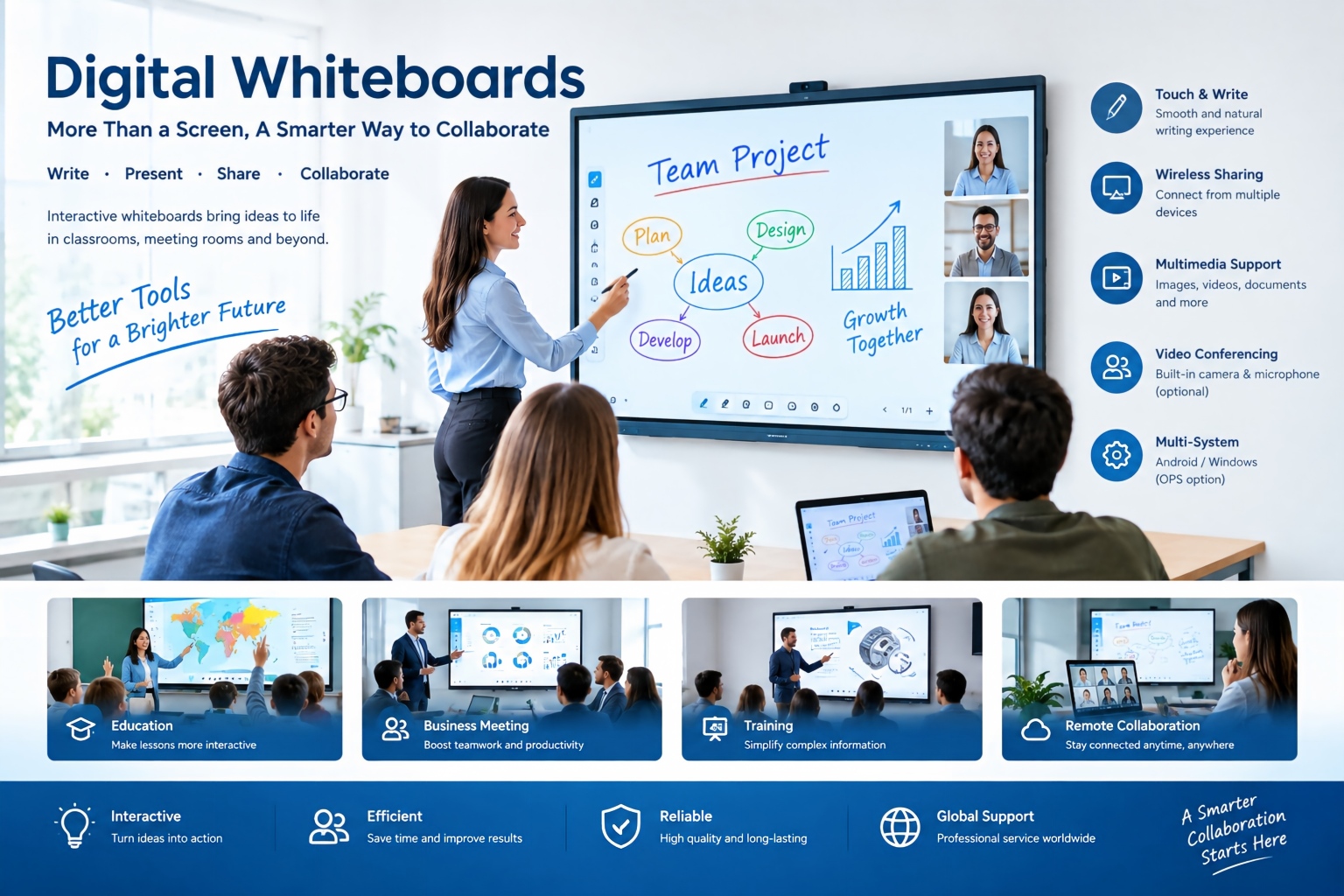
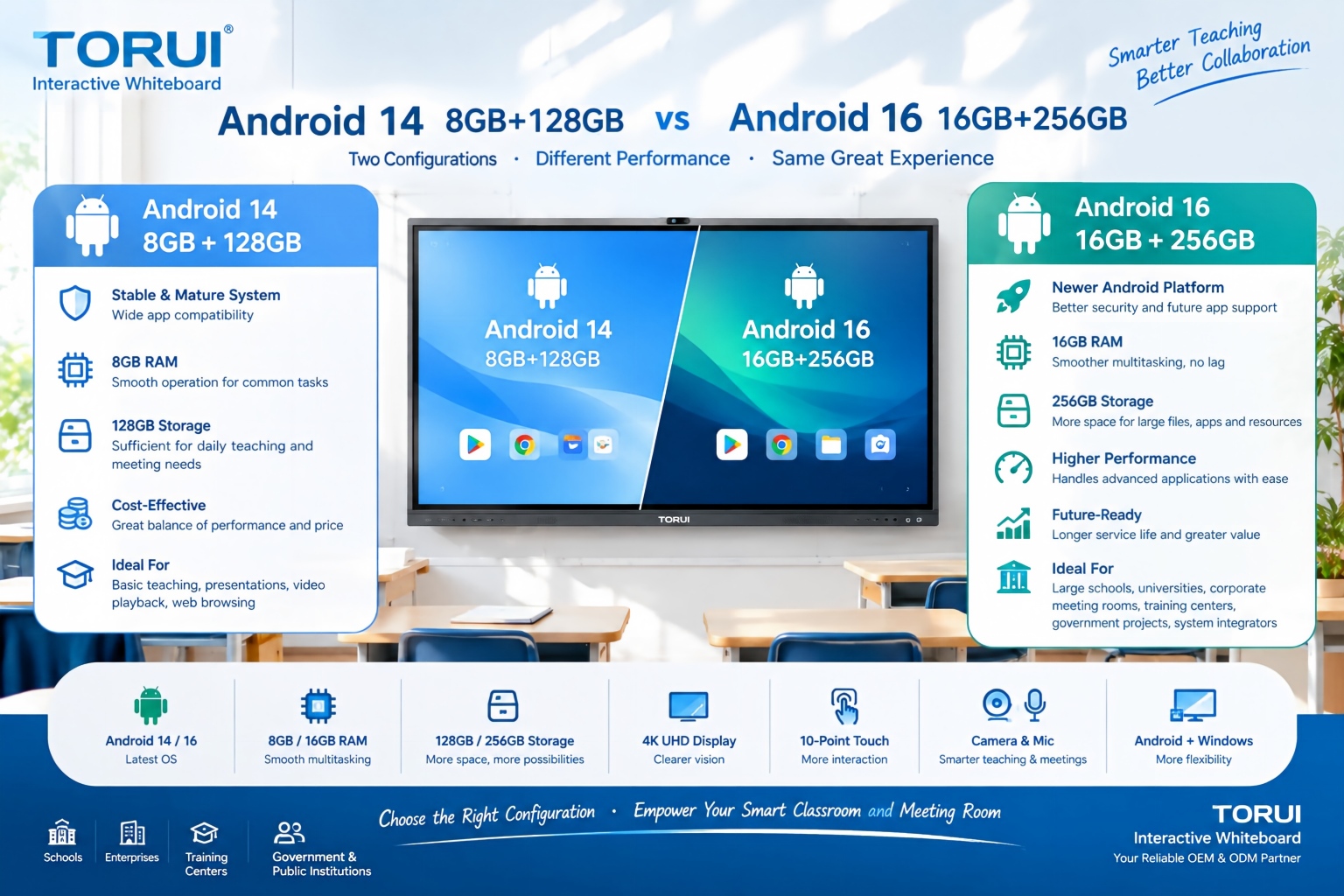
Many modern interactive whiteboards use Android as the built-in operating system, providing access to common whiteboard, presentation, browser, annotation, and collaboration functions.
For organizations that require Windows-based software, an OPS computer or integrated Windows solution can provide access to Windows applications such as Microsoft Office and other professional software.
For schools and businesses, buyers should check whether the interactive whiteboard supports the applications already used by their organization.
5. Check Connectivity and Screen Sharing
Modern classrooms and meeting rooms often require wireless collaboration.
A professional interactive whiteboard should provide convenient connectivity options such as:
- HDMI
- USB
- USB-C
- Wi-Fi
- Bluetooth
- LAN
- Wireless screen sharing
Screen mirroring is particularly useful for teachers and business users because users can display content from laptops, tablets, or smartphones without repeatedly connecting cables.
Before purchasing, confirm compatibility with the devices commonly used by teachers, employees, presenters, and visitors.
6. Consider Camera and Microphone Features
For hybrid meetings and remote education, an integrated camera and microphone system can significantly expand the functionality of an interactive whiteboard.
A built-in camera can support video conferencing, while integrated microphones can capture voices during online meetings or lessons.
Businesses should pay attention to camera resolution, microphone pickup range, noise reduction, speaker quality, and compatibility with commonly used video conferencing platforms.
For hybrid classrooms and conference rooms, these functions can turn an interactive whiteboard into a centralized collaboration platform rather than simply a large touchscreen.
7. Choose According to the Application
Different environments have different priorities.
Interactive Whiteboards for Schools
Schools generally need excellent touch performance, easy-to-use annotation tools, screen sharing, classroom software compatibility, and strong durability.
A 65-inch, 75-inch, or 86-inch model may be suitable depending on classroom size and viewing distance.
Teachers may also benefit from features such as handwriting recognition, lesson annotation, multimedia playback, and the ability to pause videos and write directly on the screen.
Interactive Whiteboards for Meeting Rooms
Meeting rooms typically require easy wireless presentation, video conferencing, document annotation, and multi-user collaboration.
A 65-inch to 86-inch display may work well for many standard conference rooms, while larger meeting spaces may require 98-inch or larger screens.
Interactive Whiteboards for Business
Businesses may prioritize compatibility with Windows applications, Microsoft Office, video conferencing platforms, screen sharing, and centralized collaboration.
For corporate environments, security, device management, software compatibility, warranty, and after-sales service should also be considered alongside hardware specifications.
8. Don't Ignore Build Quality and Reliability
An interactive whiteboard is usually a long-term commercial investment. Hardware reliability can therefore be just as important as technical specifications.
Buyers should ask manufacturers about:
- Glass quality
- Panel grade
- Touch durability
- Thermal testing
- Aging tests
- Power stability
- Transportation testing
- Quality-control procedures
A professional manufacturer should have documented quality-control processes rather than relying only on final inspection.
For distributors and system integrators, consistent quality between production batches is especially important because product reliability directly affects customer satisfaction and future orders.
9. Compare Warranty and After-Sales Support
Price should not be the only factor when comparing suppliers.
Before placing an order, buyers should confirm the warranty period, spare-parts policy, technical support, software updates, remote assistance, and procedures for handling defective units.
For international buyers, after-sales support becomes particularly important because replacing or repairing large commercial displays can be more complicated than servicing ordinary consumer electronics.
A reliable supplier should clearly explain its responsibilities before the order is placed.
10. Consider the Manufacturer's OEM and ODM Capability
Distributors and wholesalers may have different branding and configuration requirements.
If you are purchasing interactive whiteboards for resale, check whether the manufacturer supports:
- OEM branding
- ODM customization
- Custom packaging
- Software customization
- Hardware configuration
- Logo printing
- User-interface localization
- SKD or customized production
A factory with flexible manufacturing capabilities can make it easier for distributors and system integrators to develop products for specific markets.
11. Compare Total Cost, Not Just Unit Price
The lowest unit price does not necessarily represent the lowest total procurement cost.
Buyers should consider the complete purchasing equation:
Product Price + Accessories + Shipping + Import Costs + Warranty + Spare Parts + Technical Support
For schools and businesses, downtime can also create hidden costs. A reliable interactive whiteboard with strong technical support may provide better long-term procurement value than a cheaper product with limited support.
12. A Practical Buying Checklist
Before choosing an interactive whiteboard, buyers can ask the following questions:
- What screen size is appropriate for my room?
- Is 4K resolution required?
- How many simultaneous touch points are needed?
- Does the operating system support our applications?
- Is Windows/OPS support required?
- Does the product support wireless screen sharing?
- Are camera and microphone functions required?
- What ports and connectivity options are available?
- What quality-control tests does the manufacturer perform?
- What warranty and after-sales service are included?
- Can the supplier provide OEM/ODM customization?
- Can the manufacturer provide stable production capacity for future orders?
Conclusion
Choosing an interactive whiteboard should be based on application, room size, display quality, touch performance, software compatibility, connectivity, reliability, and long-term support rather than specifications alone.
For schools, classroom usability and durability are critical. For meeting rooms, wireless collaboration and video conferencing may be more important. For businesses, software compatibility, productivity features, security, and after-sales service should receive greater attention.
For distributors, wholesalers, and system integrators, the supplier itself is also an important part of the purchasing decision. A capable interactive whiteboard manufacturer should be able to provide consistent quality, flexible configurations, OEM/ODM services, professional technical support, and reliable production capacity.
Ultimately, the right interactive whiteboard is the one that matches the actual working environment, user requirements, budget, and long-term procurement plan.
Frequently Asked Questions
What size interactive whiteboard is best for a classroom?
The appropriate size depends on classroom dimensions and viewing distance. 65-inch, 75-inch, and 86-inch models are commonly considered for different classroom layouts.
Is 4K necessary for an interactive whiteboard?
4K is beneficial for displaying detailed text, presentations, images, videos, and diagrams. However, the importance of 4K depends on screen size, viewing distance, and application.
How many touch points should an interactive whiteboard have?
The required number depends on the application. Multi-touch capability is particularly useful for collaborative teaching, brainstorming, annotation, and group activities.
Should a business choose Android or Windows?
Android can provide convenient built-in whiteboard and collaboration functions, while Windows is useful when users need desktop applications. Some interactive whiteboards support both through an OPS or Windows computer.
What should distributors check before buying interactive whiteboards?
Distributors should evaluate product specifications, factory quality control, production capacity, OEM/ODM capability, certifications, packaging, warranty, spare parts, technical support, and long-term supply stability.
How do I choose an interactive whiteboard manufacturer?
Compare the manufacturer's production experience, quality-control system, certifications, product range, customization capability, export experience, warranty policy, and after-sales support—not just the quoted unit price.
How to Choose an Interactive Whiteboard Manufacturer for Your Market: A B2B Buyer’s Guide
How to Use Digital Whiteboards: A Practical Guide for Schools and Businesses
Related Article