
How to Choose Interactive Whiteboard for Classroom
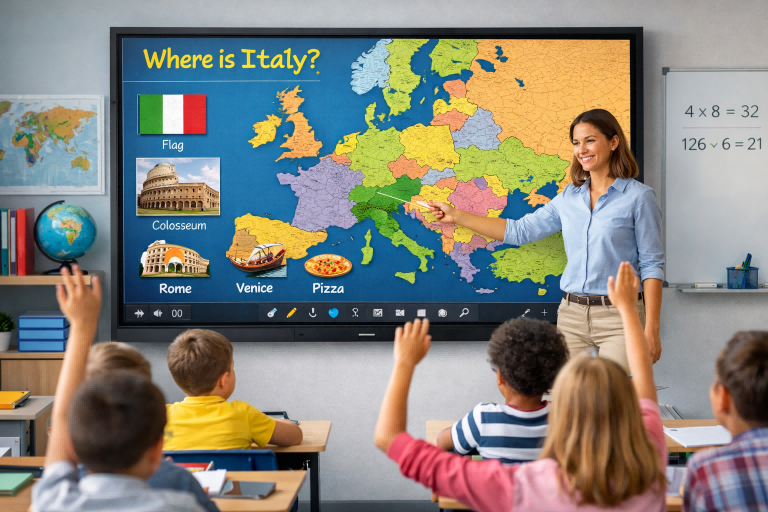
Choosing the right interactive whiteboard (IWB) for a classroom is a strategic decision that directly impacts teaching quality, student engagement, and long-term investment value. With a wide range of models and specifications available, schools need a clear framework to select the most suitable solution.
1. Define Classroom Needs and Use Scenarios
Start by identifying how the whiteboard will be used. Primary schools may prioritize simplicity and durability, while secondary schools and universities often require advanced collaboration tools, annotation features, and multi-user interaction. Consider class size, subject requirements, and whether the board will support hybrid or remote learning.
2. Screen Size and Display Quality
Choosing the correct screen size is essential for visibility. For standard classrooms, 65 to 75 inches is typically sufficient, while larger rooms may require 86 inches or more. Opt for 4K resolution to ensure clear text and images, especially for detailed diagrams and multimedia content. Anti-glare and eye-care technologies are also important for reducing visual fatigue during long sessions.
3. Touch Technology and Performance
High-quality touch performance is critical. Look for boards with fast response time, smooth writing experience, and multi-touch capability (at least 40 points or more). This allows multiple students to interact simultaneously, enhancing collaboration and engagement.
4. Operating System and Software Compatibility
Modern interactive whiteboards often come with built-in Android systems and optional OPS (Open Pluggable Specification) PCs for Windows support. Ensure compatibility with commonly used educational software, such as presentation tools, video conferencing platforms, and digital whiteboard apps. A user-friendly interface reduces teacher training time and improves adoption.
5. Connectivity and Integration
A good IWB should support multiple connectivity options, including HDMI, USB, Wi-Fi, and screen mirroring (AirPlay, Miracast, etc.). This allows seamless integration with laptops, tablets, and mobile devices, making it easier for teachers and students to share content instantly.
6. Durability and After-Sales Support
Classroom equipment must withstand frequent use. Choose a whiteboard with a robust design, tempered glass surface, and reliable components. Equally important is after-sales service—look for suppliers that offer warranty, technical support, and spare parts availability.
7. Budget and Total Cost of Ownership
While price is an important factor, focus on overall value rather than the lowest cost. Consider long-term reliability, maintenance costs, and included features. Investing in a slightly higher-quality product can reduce future expenses and improve user satisfaction.
8. Supplier Credibility
Selecting a trustworthy supplier is crucial. Evaluate their manufacturing experience, certifications, case studies, and customer feedback. A reliable partner can provide customized solutions, stable product quality, and ongoing support.
Conclusion
Choosing the right interactive whiteboard for classroom use requires balancing performance, usability, and cost. By focusing on real teaching needs, technical specifications, and supplier reliability, schools can make informed decisions that enhance both teaching efficiency and student learning outcomes.
Interactive Whiteboard in Meetings: Transforming Collaboration and Decision-Making
Why Interactive Whiteboard Is a Smart Long-Term Investment
Related Article



