
Interactive Display Screen
author: toruitech
2025-09-16
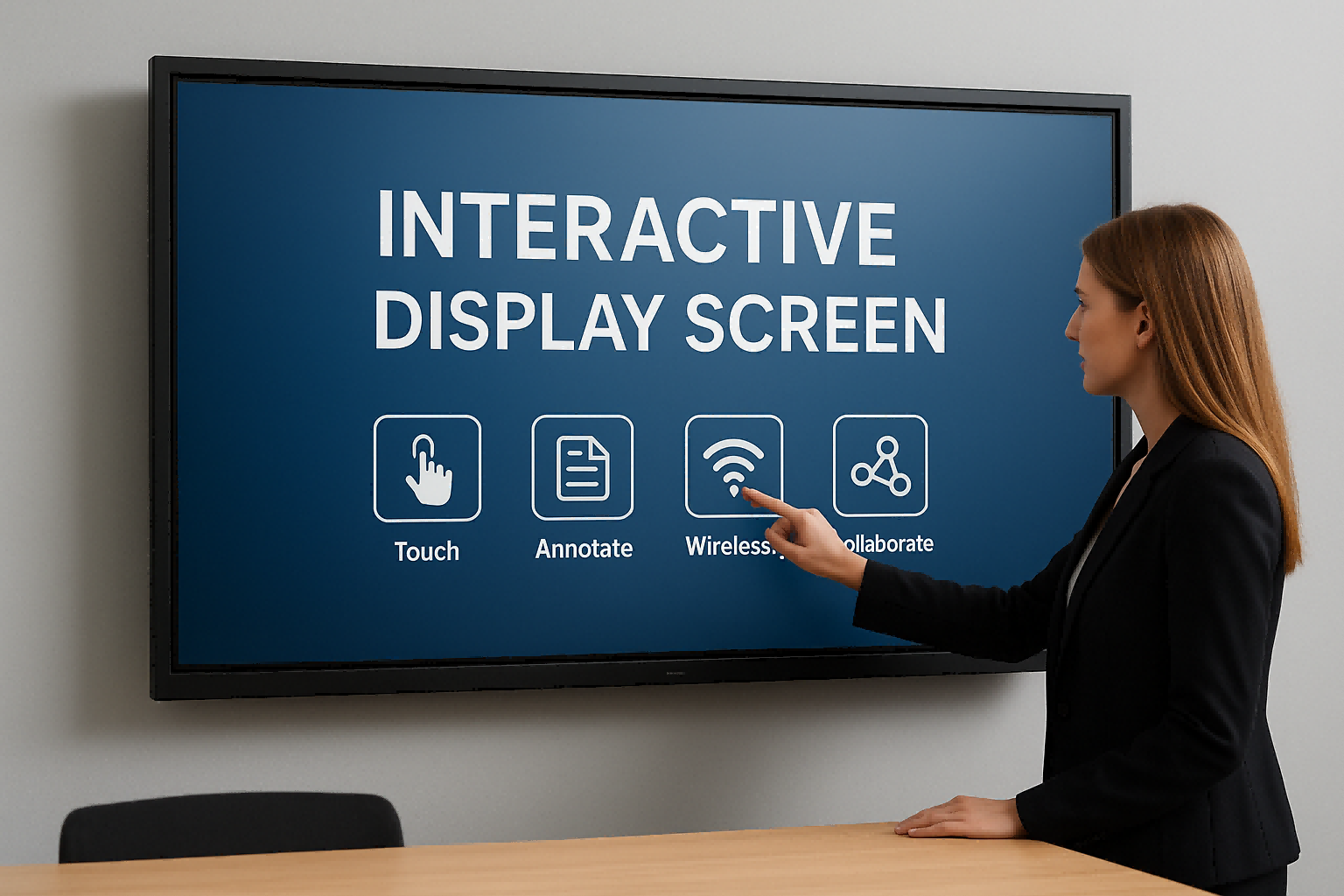
Interactive display screens (IDSs) are advanced devices that integrate touch technology, multimedia presentation, and intelligent interactive features. They are widely used in education, business, exhibitions, and public information dissemination. Compared to traditional projectors or standard monitors, they not only offer high-definition image quality and large display sizes, but also enable precise operation with fingers or styluses, supporting simultaneous writing and interaction by multiple people, significantly improving the efficiency of information transmission and engagement.
In educational settings, interactive displays support a variety of teaching methods, such as real-time annotation, split-screen presentations, and wireless projection. These help teachers present course content vividly and intuitively, enhancing student focus and interactivity, and ultimately improving learning outcomes. In business meetings, they can replace traditional whiteboards for brainstorming and seamlessly connect with video conferencing systems to enable remote collaboration and document sharing, making communication more efficient. In the retail and exhibition industries, interactive displays offer an immersive experience, attracting customer attention and enhancing brand value.
Furthermore, modern interactive displays are commonly powered by Android or Windows, offering strong compatibility, supporting a wide range of applications and file formats, and are easy and intuitive to use. Its energy-saving and durable design also aligns with current trends in green offices and smart campuses. Overall, interactive displays are not only tools for displaying information, but also important platforms for communication, learning, and collaboration, bringing innovative experiences and practical value in a variety of scenarios.
TORUI - Making Education and Business Smarter in Guangzhou, China
Interactive Whiteboards for Business
Related Article

Choosing the right interactive whiteboard size is an important decision for distributors, wholesalers, and education technology suppliers. The 65-inch, 75-inch, and 86-inch interactive whiteboards are popular options for classrooms, meeting rooms, training centers, and commercial projects.
65 vs 75 vs 86-Inch Interactive Whiteboard: Which Model Should Distributors Choose?

Choosing the right interactive whiteboard manufacturer in China is an important decision for distributors, wholesalers, education technology suppliers, and system integrators. The right manufacturing partner can help businesses improve product quality, maintain competitive pricing, customize products for local markets, and build a sustainable distribution business.
Who Are the Best Interactive Whiteboard Manufacturers in China for B2B Distributors and Wholesalers?

Choosing an interactive whiteboard involves more than comparing screen sizes and prices. For schools, businesses, distributors, wholesalers, and system integrators, understanding the technical specifications is essential to selecting a reliable product that meets different application requirements.
Interactive Whiteboard Technical Specifications Explained: A Complete Guide to CPU, RAM, Storage, Touch, Panel, OPS, Camera and Connectivity

Choosing an interactive whiteboard for a school, meeting room, training center, government organization or commercial project requires more than comparing screen size and price. The most important specifications include display resolution, brightness, touch technology, operating system, processor, memory, storage, OPS compatibility, camera and microphone performance, connectivity, durability and after-sales support.
How to Choose an Interactive Whiteboard: A Technical Guide to Display, Touch, OS, OPS, Camera and Connectivity