
Complete Buyer’s Guide to Interactive Whiteboards (2025)
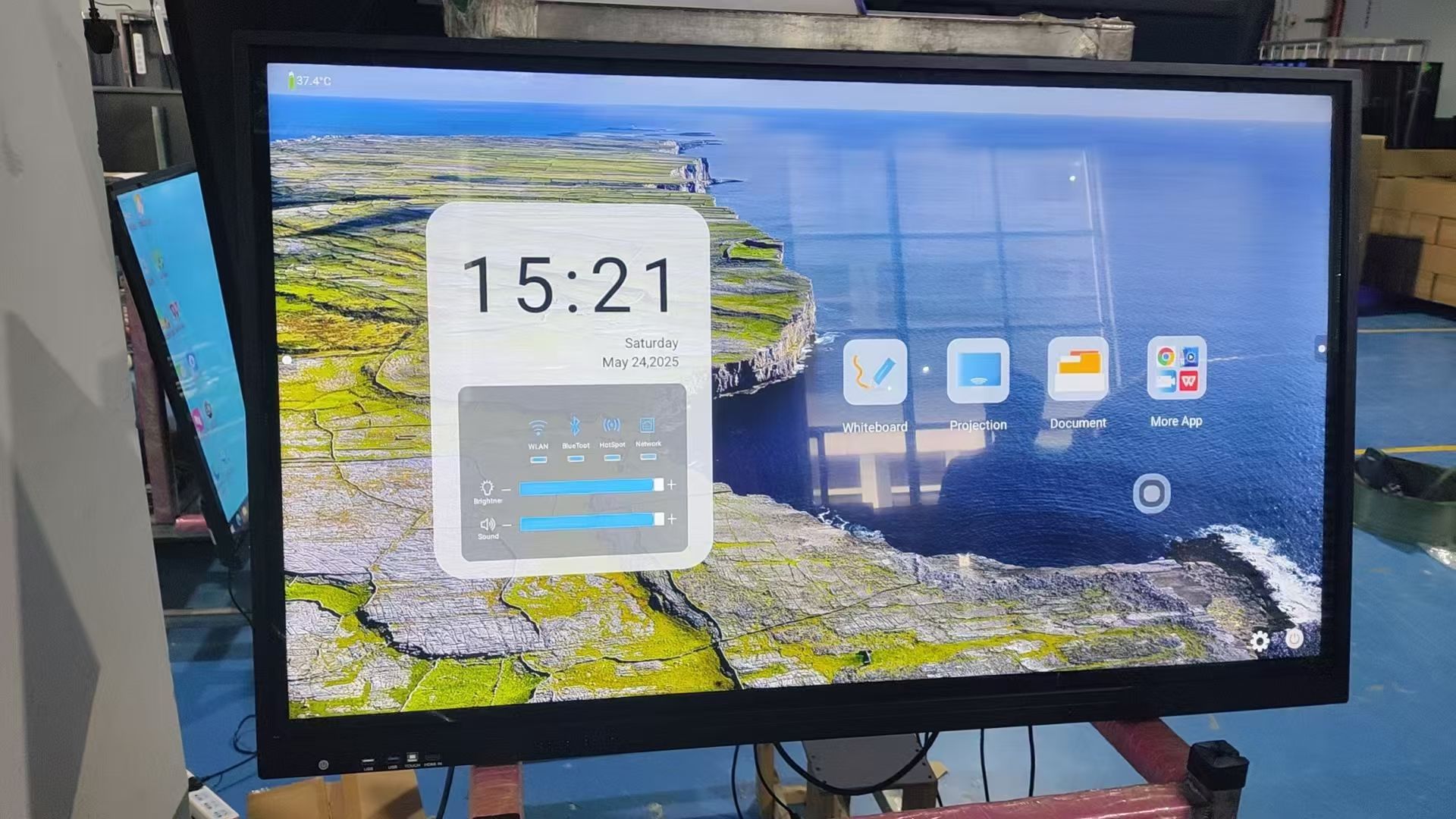
As digital collaboration becomes essential in classrooms and modern workplaces, interactive whiteboards (IWBs) have rapidly evolved into a central tool for teaching, training, brainstorming, and hybrid communication. The 2025 market offers more advanced touch technologies, larger panel sizes, stronger processors, and all-in-one software ecosystems—making it important for buyers to understand how to evaluate performance, compatibility, and long-term value. This guide provides a complete, practical overview to help schools, companies, and resellers choose the right interactive whiteboard with confidence.
1. What Is an Interactive Whiteboard?
An interactive whiteboard is an all-in-one smart display that integrates a large touch screen, built-in speakers, wireless screen sharing, annotation tools, and collaboration software. It replaces traditional projectors and TVs by providing a more immersive, multi-touch and multi-user experience. Modern panels support up to 4K resolution, high brightness, anti-glare glass, and strong connectivity for a seamless teaching or meeting workflow.
2. Key Benefits for Education and Business
Interactive whiteboards are now considered a long-term asset because they significantly enhance productivity and engagement.
For Education
-
Encourages interactive lessons with digital pens, multi-touch, and real-time annotation.
-
Supports multimedia content, cloud teaching platforms, and hybrid learning.
-
Helps teachers manage lessons efficiently and improves student participation.
For Business
-
Makes meetings clearer and faster with real-time writing, wireless casting, and easy content saving.
-
Improves collaboration in remote work environments through video conferencing integration.
-
Reduces hardware clutter by combining display, whiteboard, and conferencing into one device.
3. Must-Know Specifications Before Buying
When selecting an IWB in 2025, pay attention to these core specifications—the true indicators of performance and lifespan.
(1) Screen Size
Common sizes: 65", 75", 86", and 98"
-
65": small rooms / huddle spaces
-
75": standard classrooms & meeting rooms
-
86": large classrooms & conference rooms
-
98": lecture halls
(2) Resolution & Display Quality
Choose 4K UHD as the minimum standard.
Look for:
-
High brightness (350–450 nits for classrooms, 500+ for bright offices)
-
Anti-glare tempered glass
-
Wide color gamut & blue-light protection
(3) Touch Technology
2025 mainstream technology: Infrared Touch + AI recognition or InGlass
Evaluate:
-
Touch accuracy
-
Latency (lower is better)
-
Pen & finger recognition
-
Palm rejection
(4) Processing Power
If the IWB includes an OPS computer:
-
Prefer Intel 12th–13th Gen, or Rockchip RK3588 for Android systems
-
At least 8GB RAM + 256GB storage for smooth operation
(5) Connectivity
Essential ports & features:
-
HDMI / USB / Type-C
-
Wi-Fi 6 / Bluetooth
-
LAN port
-
Optional RS232 for legacy systems
(6) Software Ecosystem
A good IWB is only as powerful as its software.
Look for:
-
Whiteboarding tools
-
Screen sharing
-
Cloud storage integration
-
Classroom / meeting management tools
-
Video conferencing app compatibility (Zoom, Teams, Google Meet)
4. Installation, Maintenance & Longevity
Interactive whiteboards usually last 5–7 years, and proper installation ensures stable performance.
Installation Tips
-
Wall mount for stability, mobile stand for flexibility
-
Ensure proper ventilation
-
Test network and touch calibration
Maintenance
-
Update firmware regularly
-
Clean screen with microfiber cloth
-
Back up data and check OPS performance annually
5. Choosing the Right Vendor in 2025
When selecting a supplier or manufacturer, consider:
-
Production certification (ISO9001, CE, FCC, RoHS, BIS, etc.)
-
R&D capability and long-term firmware support
-
After-sales service response speed
-
Real cases in education or corporate fields
-
Full-process service (design, OEM/ODM, packaging, logistics)
6. Price Guide for 2025
Pricing varies by brand, country, and configuration, but the global reference range is:
-
65" IWB: $550–$950
-
75" IWB: $750–$1,300
-
86" IWB: $1,050–$1,850
-
98" IWB: $2,000–$3,200+
Higher-end displays with InGlass touch or premium OPS computers will cost more.
Conclusion
Choosing an interactive whiteboard in 2025 requires balancing display quality, touch performance, software ecosystem, installation requirements, and supplier reliability. Whether for modern classrooms or hybrid workplaces, investing in the right interactive whiteboard can significantly improve communication efficiency, engagement, and long-term digital transformation. By carefully comparing specifications and evaluating real usage needs, buyers can confidently select a solution that delivers strong value for many years.
What Components Make Up an Interactive Whiteboard? A Complete Breakdown
TORUI Interactive Whiteboard Manufacturing Process: A Full-Cycle Service System You Can Trust
Related Article



