
interactive whiteboards in the classroom
author: toruitech
2025-09-10

interactive whiteboards in the classroom
Interactive whiteboards (IWBs) are transformative tools in the classroom, enhancing both teaching and learning experiences. They allow for interactive, multimedia-rich lessons that engage students and support various learning styles.
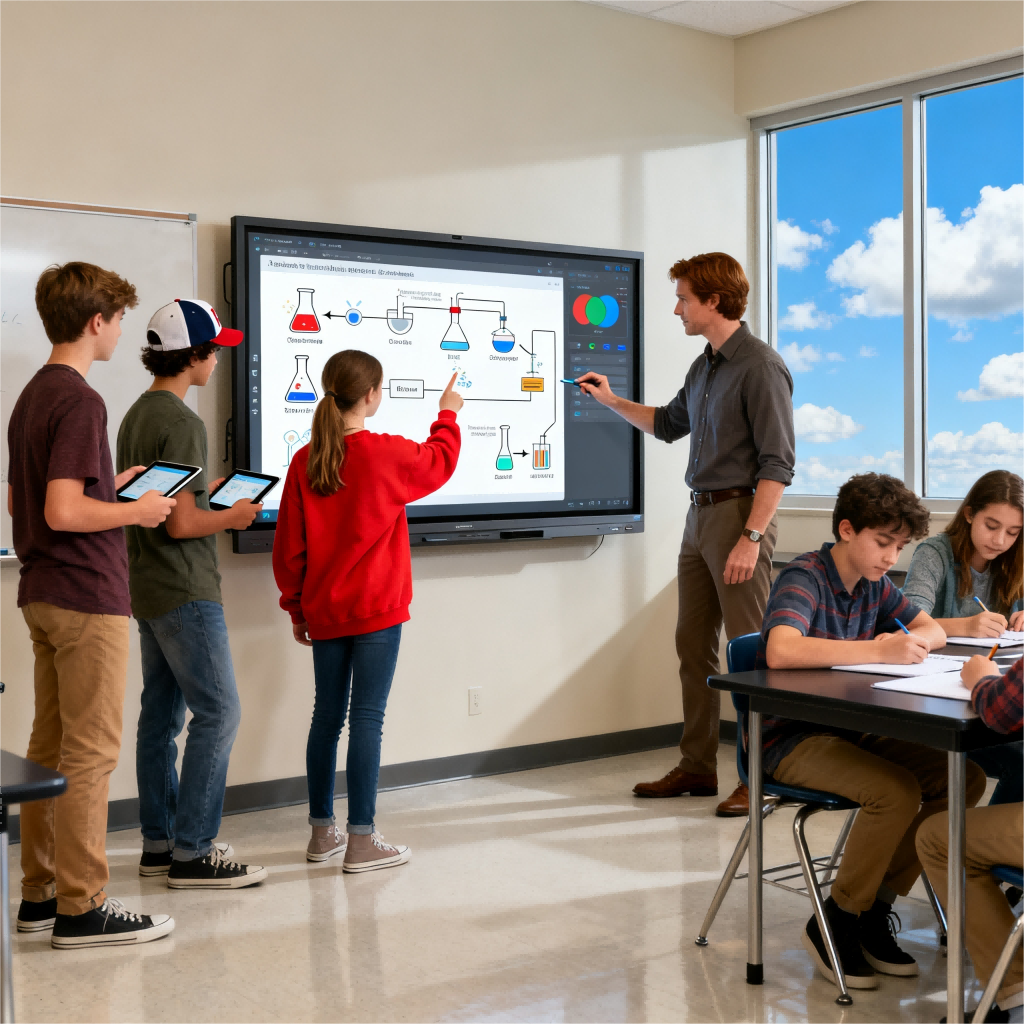
Benefits:
-
Engagement: IWBs turn passive learning into active participation. Students can directly interact with lessons, improving attention and retention.
-
Multimedia Integration: Teachers can incorporate videos, images, and animations to clarify concepts, making learning more dynamic and accessible.
-
Instant Feedback: Real-time quizzes and polls allow teachers to assess understanding immediately and adjust the lesson as needed.
-
Collaboration: Multiple students can work together on the board, fostering teamwork and problem-solving skills.
-
Accessibility: Features like adjustable fonts, text-to-speech, and contrast settings make IWBs accessible to students with diverse needs.
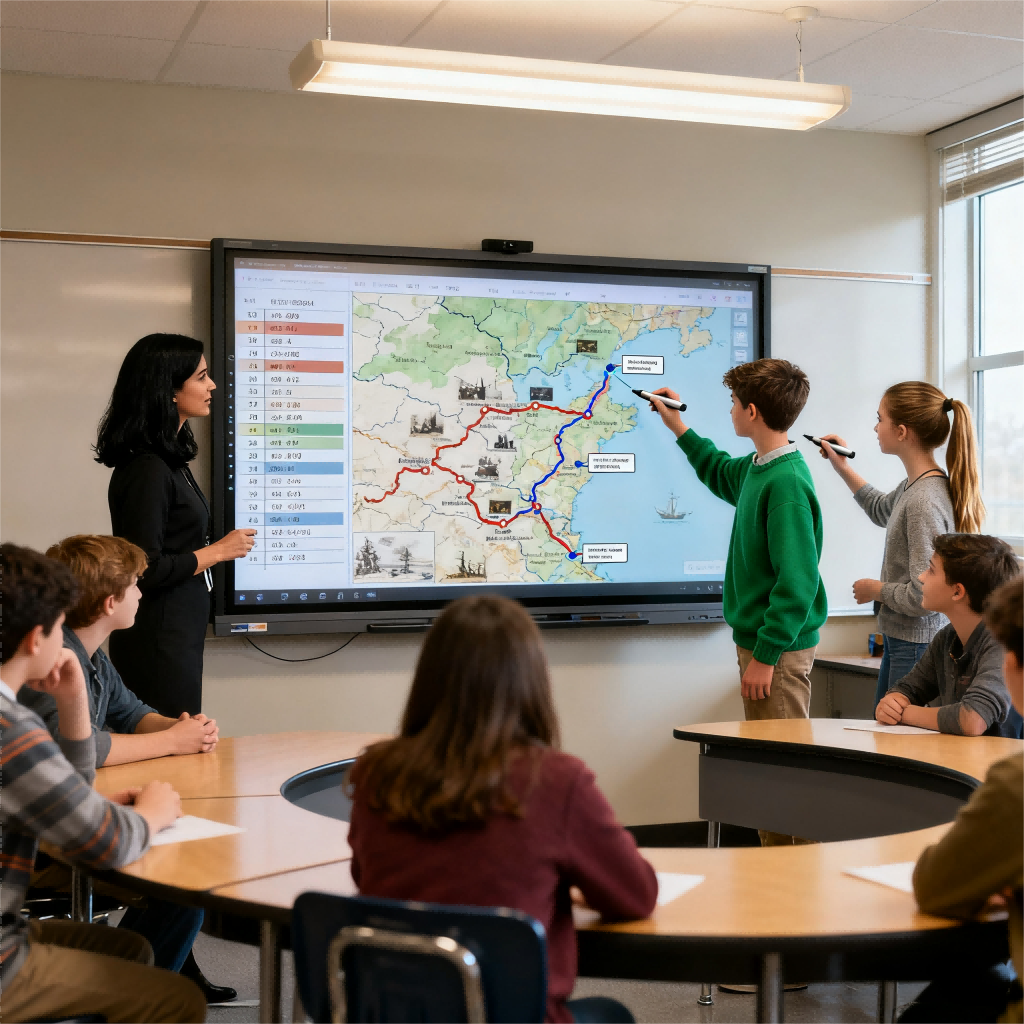
Challenges:
-
Cost: The initial investment and ongoing maintenance can be significant for schools.
-
Training: Teachers need proper training to use IWBs effectively, ensuring they enhance, rather than distract from, the learning experience.
Conclusion:
IWBs are a valuable educational tool that enhances student engagement and supports diverse learning methods. To maximize their effectiveness, schools should focus on proper integration, teacher training, and ongoing support.
interactive flat panel display
Interactive Technology Makes Learning Accessible and Equalizes Education
Related Article

Choosing the right interactive whiteboard size is an important decision for distributors, wholesalers, and education technology suppliers. The 65-inch, 75-inch, and 86-inch interactive whiteboards are popular options for classrooms, meeting rooms, training centers, and commercial projects.
65 vs 75 vs 86-Inch Interactive Whiteboard: Which Model Should Distributors Choose?

Choosing the right interactive whiteboard manufacturer in China is an important decision for distributors, wholesalers, education technology suppliers, and system integrators. The right manufacturing partner can help businesses improve product quality, maintain competitive pricing, customize products for local markets, and build a sustainable distribution business.
Who Are the Best Interactive Whiteboard Manufacturers in China for B2B Distributors and Wholesalers?

Choosing an interactive whiteboard involves more than comparing screen sizes and prices. For schools, businesses, distributors, wholesalers, and system integrators, understanding the technical specifications is essential to selecting a reliable product that meets different application requirements.
Interactive Whiteboard Technical Specifications Explained: A Complete Guide to CPU, RAM, Storage, Touch, Panel, OPS, Camera and Connectivity

Choosing an interactive whiteboard for a school, meeting room, training center, government organization or commercial project requires more than comparing screen size and price. The most important specifications include display resolution, brightness, touch technology, operating system, processor, memory, storage, OPS compatibility, camera and microphone performance, connectivity, durability and after-sales support.
How to Choose an Interactive Whiteboard: A Technical Guide to Display, Touch, OS, OPS, Camera and Connectivity