
Introduction to Interactive Whiteboard Annotation Features
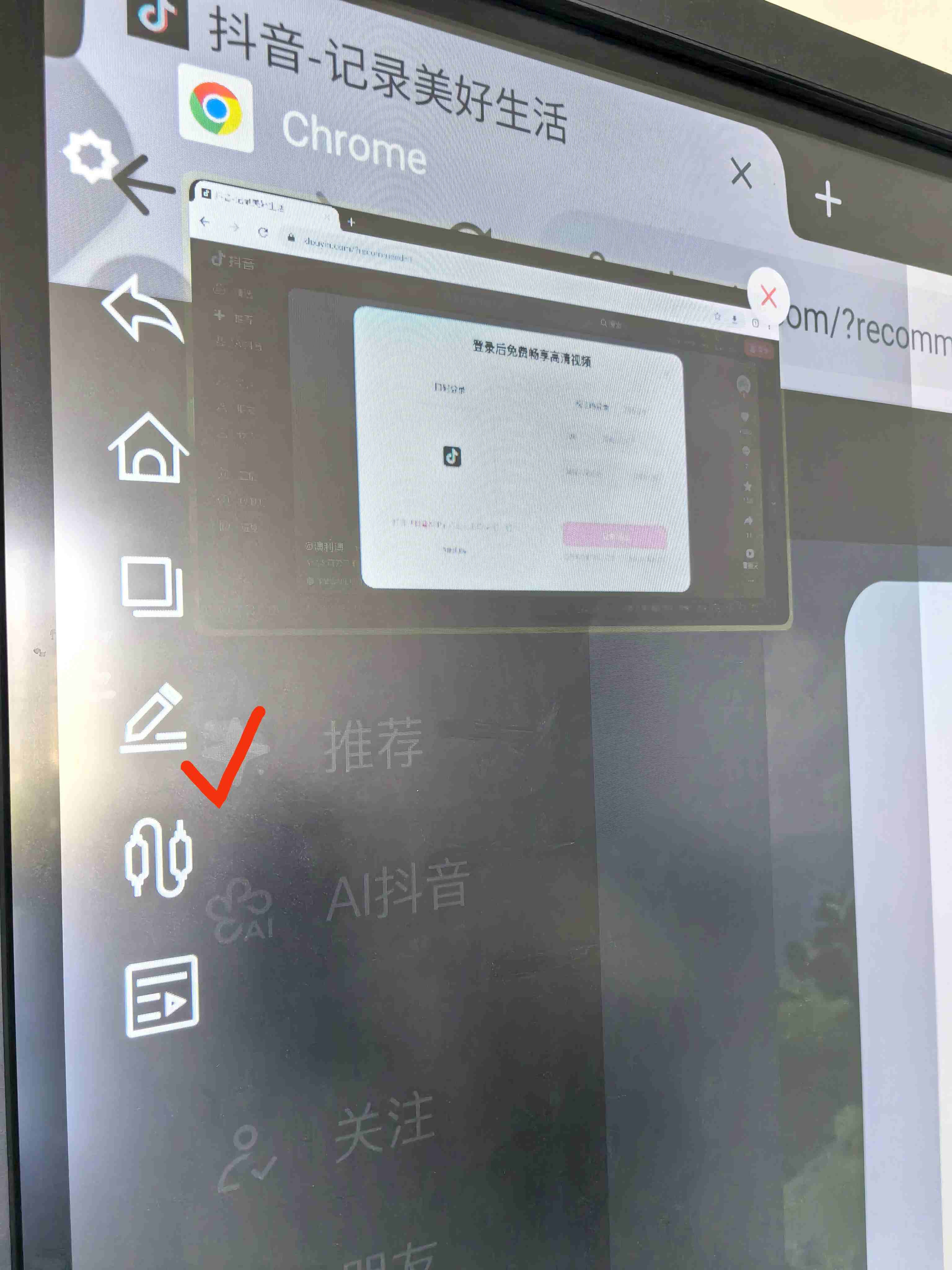
Interactive whiteboards have become an indispensable tool in modern classrooms, meeting rooms, and collaborative environments. Among their most powerful features is the annotation function, which allows users to interact with content directly in real-time. This capability significantly enhances the learning and presentation experience by fostering engagement, increasing understanding, and improving collaboration. This article provides a comprehensive overview of interactive whiteboard annotation features, explaining their significance and best use cases in various settings.
What is Interactive Whiteboard Annotation?
Annotation on an interactive whiteboard refers to the ability to draw, write, highlight, and make other marks directly on the display, often in real-time. Users can annotate over any content displayed on the board, whether it is a presentation slide, document, video, or web page. These annotations can be saved, edited, or erased, making the process both flexible and dynamic.
Key Features of Annotation Tools on Interactive Whiteboards
-
Drawing and Writing Tools
The primary function of any annotation tool is to allow users to draw or write on the screen. Interactive whiteboards come equipped with digital pens, markers, and other stylus tools that mimic the experience of writing with a traditional pen or marker. Users can choose from different pen styles, thicknesses, and colors to highlight key points, underline text, or make annotations that enhance understanding. -
Text Annotation
In addition to drawing, interactive whiteboards typically offer a text annotation tool, enabling users to add typed comments, notes, or labels. This is particularly useful for adding clarity to presentations or for noting specific details during brainstorming sessions. Text annotations can be resized and repositioned easily, allowing for quick adjustments during presentations. -
Highlighting and Marking
Highlighting is a powerful feature for emphasizing important content. Whether reviewing documents, reading passages, or explaining concepts, highlighting specific parts of the material helps direct attention to key points. Most whiteboards allow users to highlight content with various colors, adding layers of clarity to presentations and teaching materials. -
Shapes and Diagrams
Interactive whiteboards often include tools for drawing basic shapes such as circles, squares, and arrows. These shapes are ideal for illustrating concepts, outlining processes, or creating simple diagrams. Additionally, some advanced boards include the ability to create complex shapes, flowcharts, and mind maps, which are essential for interactive learning or collaborative problem-solving. -
Real-Time Collaboration
One of the standout features of interactive whiteboards is their ability to support real-time collaboration. Multiple users can annotate on the screen simultaneously, making this tool ideal for group discussions, collaborative problem-solving, and team-based learning. This capability is especially important in virtual classrooms or remote work settings, where interaction might otherwise be limited. -
Undo and Redo Functions
Interactive whiteboard annotation tools typically come with undo and redo functions, which make it easy to correct mistakes or experiment with different ideas without the risk of permanently damaging the content. Users can quickly revert to a previous state, facilitating a smooth and flexible experience. -
Sticky Notes and Commenting
Many interactive whiteboards allow users to add digital sticky notes or comments to their annotations. This feature can be used to add more detailed notes, reminders, or prompts without crowding the screen. Sticky notes can be moved around and resized, offering a non-intrusive way to add context to the annotations. -
Saving and Exporting Annotations
Once the annotation session is complete, interactive whiteboards often offer options to save the annotated content. This can be done in various formats such as PDFs, images, or digital whiteboard files, making it easy for users to share their work. Annotations can also be exported for further review, editing, or sharing with others, facilitating continued engagement after the session ends.
Best Use Cases for Interactive Whiteboard Annotations
-
In Education
In the classroom, interactive whiteboard annotations are crucial for enhancing the learning experience. Teachers can highlight key concepts, underline important information, and explain complex ideas using annotations. Moreover, students can contribute by writing on the board, answering questions, or drawing diagrams, fostering an interactive and collaborative learning environment. -
In Corporate Settings
In business meetings, interactive whiteboard annotations help presenters to emphasize key points and engage their audience. The ability to annotate directly on slides or documents allows for more dynamic presentations. Teams can also use annotation tools to brainstorm, collaborate on strategies, or provide feedback during meetings. The real-time collaboration feature is particularly beneficial for remote teams who need to work together in a digital environment. -
In Collaborative Workspaces
Annotation tools are indispensable in co-working spaces, design studios, and project planning sessions. Teams can brainstorm ideas, sketch out concepts, and collaborate on documents or diagrams in real-time, making the process more productive and streamlined. -
In Remote Learning
The shift to online education has made interactive whiteboard tools more important than ever. Annotating over shared screens or documents allows teachers to maintain engagement and interaction in a virtual setting, replicating the experience of writing on a physical whiteboard. With multiple annotation tools, remote students can actively participate in discussions, answer questions, or clarify doubts.
Conclusion
The annotation feature on interactive whiteboards offers a wealth of benefits, making them an essential tool for education, business, and collaborative environments. The ability to draw, write, highlight, and collaborate in real-time improves engagement, aids comprehension, and fosters creativity. As interactive whiteboards continue to evolve, their annotation capabilities will only improve, providing even more opportunities for dynamic and effective communication. Whether in the classroom, a business meeting, or a creative workspace, interactive whiteboard annotations enhance productivity and collaboration in ways that traditional tools simply cannot match.
Comparative Advantages of TORUI Interactive Whiteboards
The Writing Speed of Interactive Whiteboards: A Comprehensive Guide
Related Article



