OPS Computer vs Built-in Android System: Which Should B2B Buyers Choose?

When purchasing an interactive whiteboard or interactive flat panel, B2B buyers often face a practical question: Should we choose a built-in Android system, or add an OPS computer?
There is no universal answer. The best configuration depends on the application, software requirements, IT environment, budget, and expected service life. For schools, distributors, system integrators, training centers, and corporate buyers, understanding the differences can help reduce unnecessary costs while ensuring sufficient performance.
What Is a Built-in Android System?
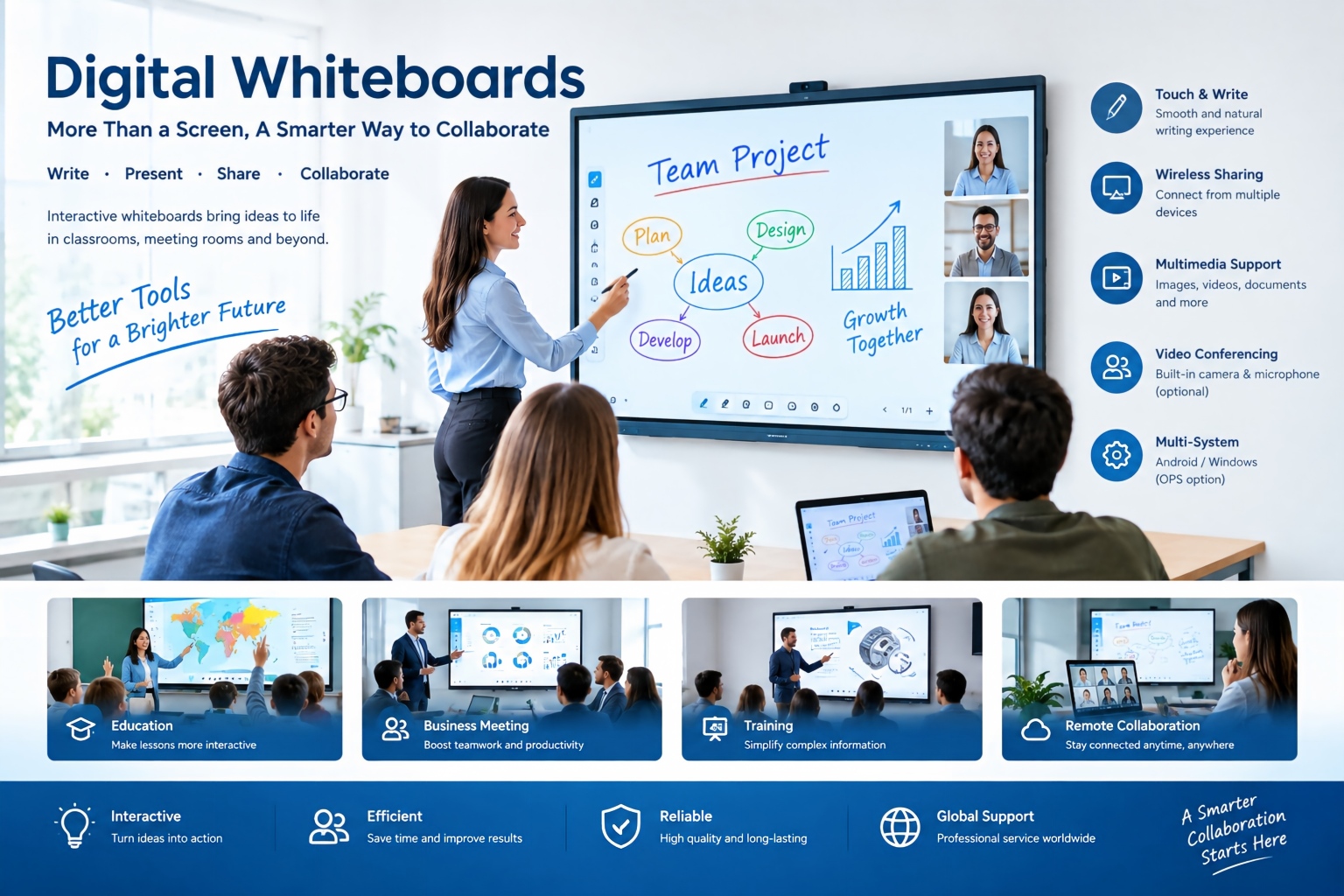
A built-in Android system is integrated directly into an interactive display. It normally supports digital whiteboarding, annotation, wireless screen sharing, web browsing, video playback, Android applications, and other everyday interactive functions.
For classrooms and meeting rooms where users mainly need whiteboarding, presentations, screen mirroring, online content, and multimedia, Android can provide a simple and cost-effective solution.
Its major advantages include fast startup, simple operation, low hardware complexity, and relatively easy maintenance.
For many standard educational and business applications, an additional computer may simply be unnecessary.
What Is an OPS Computer?
OPS stands for Open Pluggable Specification. It is a standardized modular computing architecture designed for interactive displays. An OPS computer can be installed directly into a compatible OPS slot on the back of an interactive flat panel, creating an integrated computing solution without requiring a separate external PC. Intel describes OPS as a way to standardize the connection between displays and computing modules while improving installation, management, maintenance, and upgrade flexibility.
An OPS computer is particularly useful when customers need a full Windows or other PC-based computing environment. Depending on the selected configuration, it can support professional software, Microsoft Office, advanced conferencing applications, educational software, enterprise applications, and more demanding computing workloads.
OPS vs Built-in Android: Key Differences
| Factor | Built-in Android | OPS Computer |
|---|---|---|
| Cost | Lower | Higher |
| Startup | Very fast | Depends on PC configuration |
| Whiteboarding | Excellent | Excellent |
| Screen mirroring | Excellent | Excellent |
| Android apps | Yes | Depends on configuration |
| Windows software | Limited | Excellent |
| Computing performance | Standard | Higher |
| IT management | Basic to moderate | Advanced |
| Upgrade flexibility | Limited | Higher |
| Best for | Standard interactive use | Advanced computing |
Intel's recent education guidance also highlights OPS advantages in areas such as remote manageability, security, installation, maintenance, and upgradeability.
Which Configuration Should B2B Buyers Choose?
Choose built-in Android when:
- The main application is interactive teaching.
- Teachers mainly use whiteboarding and annotation.
- Users need screen sharing and multimedia.
- The project has a strict budget.
- Simple operation and low maintenance are priorities.
Choose an OPS computer when:
- Windows-based software is required.
- The customer needs advanced computing performance.
- Professional educational or enterprise applications are used.
- Centralized IT management is important.
- The buyer wants greater computing upgrade flexibility.
For example, a training center using browser-based teaching platforms may only need Android. A university, government department, or corporate customer running Windows applications may benefit considerably from an OPS solution.
The Best B2B Strategy: Offer Both
For distributors and system integrators, the most flexible approach is often an interactive whiteboard with built-in Android plus optional OPS support.
This allows customers to start with Android and add an OPS computer when their software or computing requirements become more demanding. The modular nature of OPS can also make future upgrades and maintenance easier.
Before placing a bulk order, B2B buyers should confirm the OPS compatibility, processor, RAM, SSD, operating system, touch integration, warranty, certification, and after-sales support rather than evaluating the OPS option only by CPU model.
Why Choose TORUI Technology?
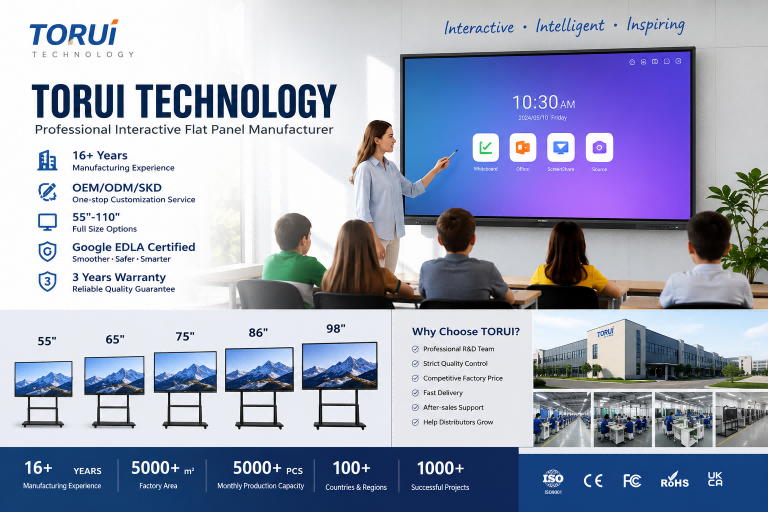
TORUI Technology is an experienced Chinese interactive whiteboard manufacturer focused on education and commercial applications. With 16 years of manufacturing experience, TORUI provides interactive displays in multiple sizes, including 55, 65, 75, 86, 98, and 110 inches, with options for different hardware configurations and OPS computers.
For international B2B buyers, TORUI can provide OEM, ODM and SKD solutions, helping distributors, wholesalers, system integrators, schools, and corporate customers select configurations according to their actual application, budget, and market requirements.
Final Recommendation
Built-in Android is usually the better choice for simple, cost-effective interactive applications, while an OPS computer is better for customers requiring Windows software, stronger computing performance, and advanced IT management.
RK3588 vs RK3576: Which Chip Is Better for Interactive Whiteboards?
Who Are the Best Interactive Whiteboard Manufacturers in China?
Related Article