
Quality Control Process for Smart Boards: Step-by-Step
author: toruitech
2025-11-11
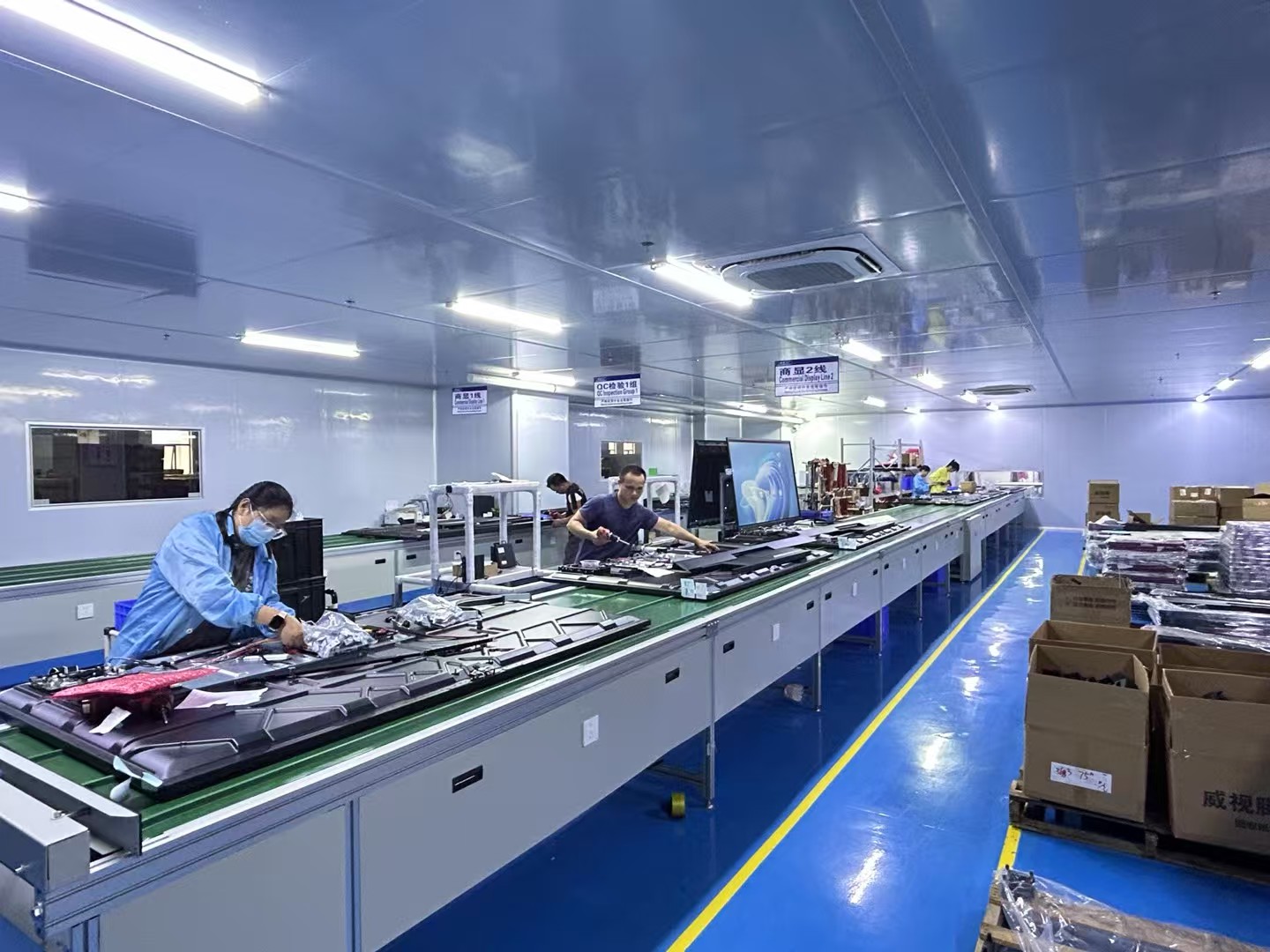
In the competitive world of educational and corporate technology, ensuring product quality is essential to maintaining brand reputation and user trust. For manufacturers of smart boards and interactive displays, a robust quality control process guarantees that every unit performs reliably in classrooms, meeting rooms, and training environments. Below is a detailed, step-by-step explanation of the quality control process used by professional smart board manufacturers like TORUI.
1. Raw Material Inspection
The quality control process begins long before assembly. Each batch of raw materials — such as display panels, touch sensors, frames, chips, and connectors — is inspected for visual defects, electrical stability, and compatibility. Components must meet strict standards in brightness, color accuracy, and touch sensitivity. Any substandard material is rejected to prevent downstream production issues.
2. Precision Assembly and Calibration
During assembly, every layer of the smart board — from the glass surface to the LED panel — must be aligned with micrometer precision. Factories use automated tools and skilled technicians to ensure the touch and writing layers are perfectly calibrated. This step directly affects touch accuracy, smooth writing response, and user experience. After assembly, the system undergoes multiple alignment checks and software calibration to achieve seamless interactivity.
3. Functional Testing
Each smart board goes through a full set of functional tests, covering both hardware and software aspects. The QC team verifies:
-
Multi-touch performance and handwriting response speed.
-
Wireless connectivity and screen sharing stability.
-
Sound quality, camera clarity (if equipped), and built-in Android or Windows compatibility.
-
Brightness, color uniformity, and image sharpness.
All test results are recorded in a traceable system, ensuring each product can be reviewed if needed.
4. Safety and Reliability Tests
Smart boards are designed for long-term use, often operating 8–10 hours daily. To guarantee reliability, manufacturers conduct durability tests that include:
-
Aging Test: Running the device continuously for 72 hours to detect early failures.
-
Vibration Test: Simulating transportation conditions to ensure stability.
-
Temperature & Humidity Test: Checking performance under extreme environmental conditions.
-
Electrical Safety Test: Verifying grounding, insulation, and voltage tolerance.
These tests confirm that every board is safe, durable, and ready for global shipment.
5. Visual and Aesthetic Inspection
Before packaging, every product undergoes a final surface inspection. Technicians check for scratches, uneven gaps, color mismatches, and labeling accuracy. The goal is to deliver not only a technically sound product but also a visually flawless one.
6. Packaging and Final Verification
The last step is careful packaging using anti-static and shockproof materials. Each carton is labeled with a unique serial number for tracking. A random sample from each batch is re-tested before shipment to ensure consistent quality.
Conclusion
A structured quality control process is the foundation of every reliable smart board. From raw material inspection to final packaging, each stage ensures the product meets international standards and provides an excellent user experience. At TORUI, strict QC procedures and professional testing guarantee that every interactive display performs with accuracy, durability, and safety — helping schools and businesses achieve smarter, more connected collaboration.
Modern Smart Classroom: Transforming Education Through Technology
TORUI Interactive Whiteboard Factory Introduction (2025)
Related Article

Choosing the right interactive whiteboard size is an important decision for distributors, wholesalers, and education technology suppliers. The 65-inch, 75-inch, and 86-inch interactive whiteboards are popular options for classrooms, meeting rooms, training centers, and commercial projects.
65 vs 75 vs 86-Inch Interactive Whiteboard: Which Model Should Distributors Choose?

Choosing the right interactive whiteboard manufacturer in China is an important decision for distributors, wholesalers, education technology suppliers, and system integrators. The right manufacturing partner can help businesses improve product quality, maintain competitive pricing, customize products for local markets, and build a sustainable distribution business.
Who Are the Best Interactive Whiteboard Manufacturers in China for B2B Distributors and Wholesalers?

Choosing an interactive whiteboard involves more than comparing screen sizes and prices. For schools, businesses, distributors, wholesalers, and system integrators, understanding the technical specifications is essential to selecting a reliable product that meets different application requirements.
Interactive Whiteboard Technical Specifications Explained: A Complete Guide to CPU, RAM, Storage, Touch, Panel, OPS, Camera and Connectivity

Choosing an interactive whiteboard for a school, meeting room, training center, government organization or commercial project requires more than comparing screen size and price. The most important specifications include display resolution, brightness, touch technology, operating system, processor, memory, storage, OPS compatibility, camera and microphone performance, connectivity, durability and after-sales support.
How to Choose an Interactive Whiteboard: A Technical Guide to Display, Touch, OS, OPS, Camera and Connectivity