
Smart Board for Teaching: Enhancing Learning Through Interactive Technology
author: toruitech
2025-11-09
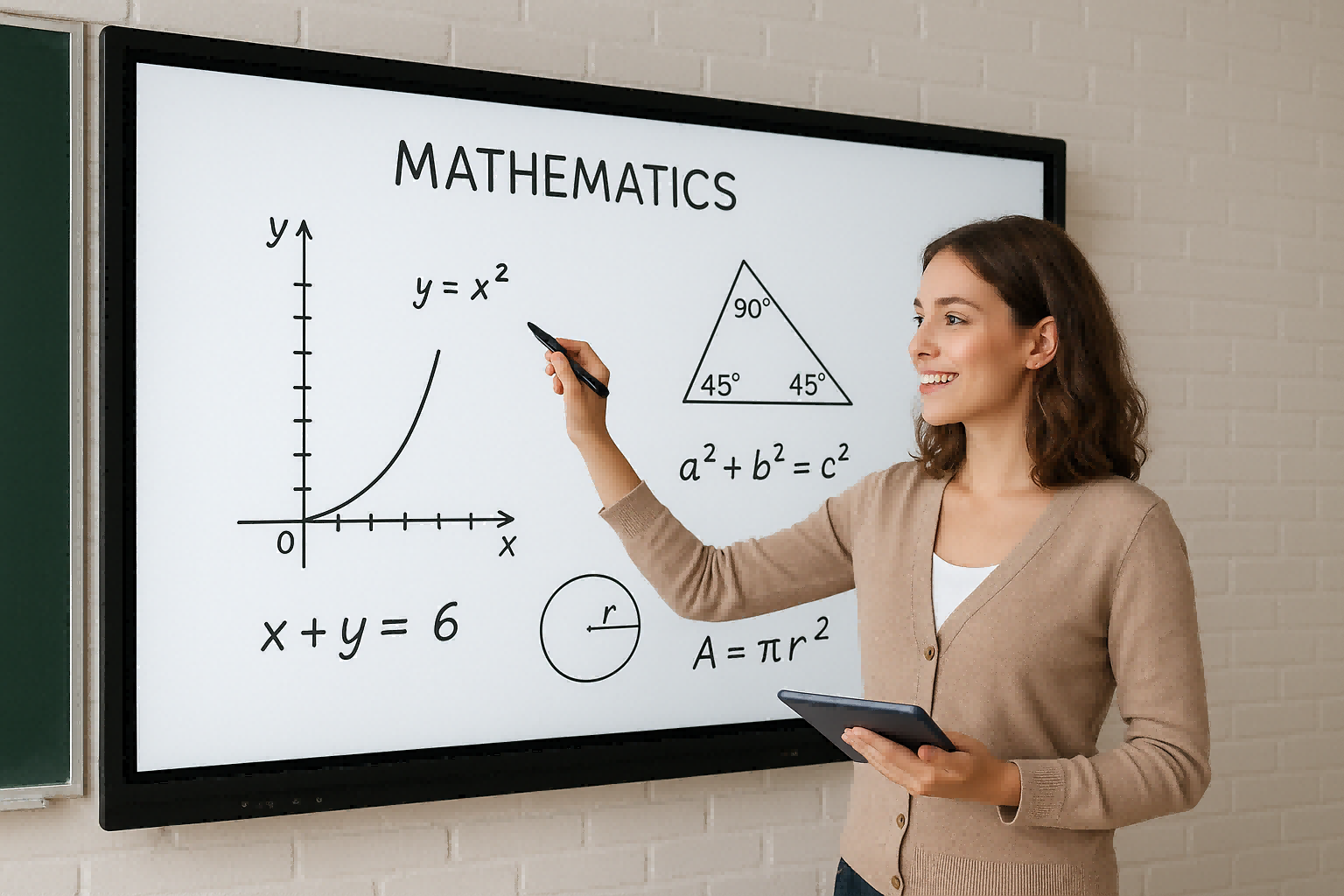
In modern education, smart boards have become a powerful tool that transforms traditional classrooms into interactive learning environments. By combining touch-screen technology, digital content, and multimedia integration, smart boards allow teachers and students to engage in a more dynamic and collaborative way.
What Is a Smart Board?
A smart board, also known as an interactive whiteboard, is a large digital display that connects to a computer and projector. Teachers can write, draw, move objects, or display multimedia content directly on the screen using a finger or stylus. This innovation eliminates the need for chalk or markers, offering a cleaner, more efficient way to teach.
Benefits of Using Smart Boards in Teaching
-
Interactive Learning – Students can actively participate by solving problems, writing answers, or exploring digital lessons. This hands-on approach increases engagement and retention.
-
Multimedia Integration – Teachers can integrate videos, images, simulations, and online resources to make complex topics easier to understand and more enjoyable.
-
Collaboration and Group Work – Smart boards support multiple touch points, allowing several students to interact simultaneously. This encourages teamwork and creativity.
-
Efficient Lesson Delivery – Teachers can save, modify, and reuse digital lesson materials, which reduces preparation time and allows for consistent quality teaching.
-
Accessibility and Inclusivity – With adjustable text size, visual aids, and translation features, smart boards support diverse learning needs and help all students follow lessons effectively.
Smart Boards in Different Educational Settings
Smart boards are suitable for various teaching environments—from primary schools to universities. In STEM subjects, they make abstract concepts more tangible through interactive diagrams and real-time simulations. In language learning, teachers can play pronunciation videos or writing exercises. Even in art and music classes, smart boards enable students to explore creative expression digitally.
The Future of Smart Classrooms
With the rise of AI-powered education and cloud-based learning, smart boards are evolving into central hubs of the modern classroom. They can now connect to educational software, video conferencing platforms, and online resources, supporting hybrid and remote learning models. As a result, teachers can deliver lessons seamlessly, whether students are in the classroom or joining virtually.
Conclusion
A smart board for teaching is more than a display screen—it’s an interactive gateway to smarter, more engaging education. It empowers teachers to create dynamic lessons, enhances collaboration, and helps students learn more effectively. As schools continue to embrace digital transformation, smart boards will remain a cornerstone of innovative teaching worldwide.
TORUI Interactive Whiteboard Factory Introduction (2025)
TORUI Interactive Whiteboard – Smart Collaboration for Education and Business
Related Article

Choosing the right interactive whiteboard size is an important decision for distributors, wholesalers, and education technology suppliers. The 65-inch, 75-inch, and 86-inch interactive whiteboards are popular options for classrooms, meeting rooms, training centers, and commercial projects.
65 vs 75 vs 86-Inch Interactive Whiteboard: Which Model Should Distributors Choose?

Choosing the right interactive whiteboard manufacturer in China is an important decision for distributors, wholesalers, education technology suppliers, and system integrators. The right manufacturing partner can help businesses improve product quality, maintain competitive pricing, customize products for local markets, and build a sustainable distribution business.
Who Are the Best Interactive Whiteboard Manufacturers in China for B2B Distributors and Wholesalers?

Choosing an interactive whiteboard involves more than comparing screen sizes and prices. For schools, businesses, distributors, wholesalers, and system integrators, understanding the technical specifications is essential to selecting a reliable product that meets different application requirements.
Interactive Whiteboard Technical Specifications Explained: A Complete Guide to CPU, RAM, Storage, Touch, Panel, OPS, Camera and Connectivity

Choosing an interactive whiteboard for a school, meeting room, training center, government organization or commercial project requires more than comparing screen size and price. The most important specifications include display resolution, brightness, touch technology, operating system, processor, memory, storage, OPS compatibility, camera and microphone performance, connectivity, durability and after-sales support.
How to Choose an Interactive Whiteboard: A Technical Guide to Display, Touch, OS, OPS, Camera and Connectivity