
Overview of the configuration of the Android system of smart interactive whiteboard
author: toruitech
2025-06-21
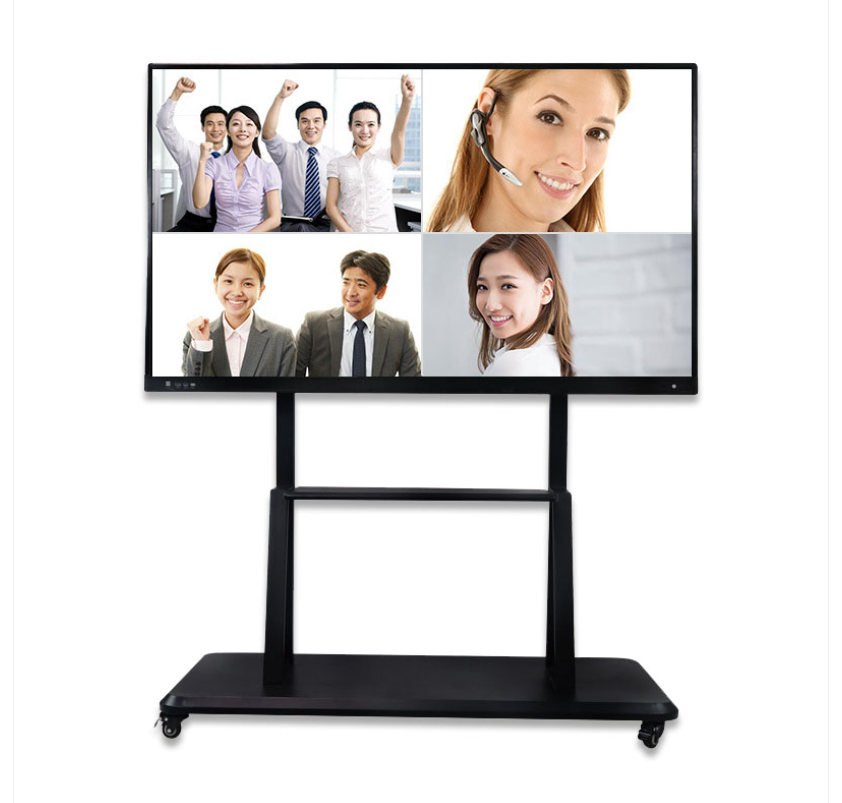
With the continuous upgrading of modern education and efficient office needs, smart interactive whiteboards have gradually become standard equipment in various schools and corporate conference rooms. It integrates the functions of traditional whiteboards, projectors and smart devices. Smart interactive whiteboards equipped with Android systems have been widely recognized for their ease of operation, openness and rich application ecology. So, what are the key points of the Android system configuration of smart interactive whiteboards? The following is a detailed discussion.
The basis of hardware configuration
The performance of smart interactive whiteboards is directly affected by hardware configuration. The core processor usually chooses high-performance ARM architecture chips (such as Qualcomm Snapdragon series or MediaTek chips) to ensure smooth system operation and multi-tasking capabilities. In order to adapt to the needs of different scenarios, interactive whiteboards usually use 4GB to 8GB of running memory (RAM), which is suitable for high-load multi-application operations and can meet the needs of long-term continuous operation.
In terms of storage space, it is generally equipped with at least 64GB or 128GB of flash memory (ROM) to support the installation of more applications and document storage. Of course, some high-end devices also support extended storage, such as expanding storage space through TF cards or accessing cloud storage services, so as to flexibly respond to large data storage needs. In addition, high-end devices often come with dedicated touch chips to improve touch accuracy and response speed, bringing users the ultimate interactive experience.
Android system version optimization
As the core of smart interactive whiteboards, the selection and deep optimization of Android system versions are crucial. Usually, smart interactive whiteboards will use Android 10 or above, because high-version systems have better security, compatibility and performance support. Manufacturers usually carry out in-depth customized development of the original Android system to meet the large-screen operation requirements of interactive whiteboards.
This type of customized system has built-in gesture operation, multi-user login, multi-window application, wireless screen projection and other functions, which greatly improves operation efficiency and user experience. In addition, through customized UI interface design, commonly used functions can be called with one click, such as whiteboard writing, screen recording, annotation editing, video conferencing, etc., making the entire system more intuitive and convenient.
Application and ecology
The great advantage of the Android system lies in its openness and huge application ecology. Smart interactive whiteboards usually have built-in support for the Google Play Store or the manufacturer's app store, and users can install third-party applications as needed, such as educational and teaching software (such as Classroom), collaboration tools (such as Zoom, Slack), document processing tools (such as WPS Office, PDF Editor), etc.
In addition, some high-end devices are also pre-installed with personalized applications, such as AI smart assistants, real-time translation functions, etc., making the whiteboard the smart brain of the classroom or conference room. At the same time, in response to the professional needs of education and business scenarios, manufacturers may provide exclusive interactive teaching and conference tools that deeply integrate writing, projection, annotation and content sharing functions.
Networking and external interfaces
In smart interactive whiteboards, networking capabilities are one of the basic functions. Devices usually support multiple networking methods such as Wi-Fi 6, Bluetooth 5.0, Ethernet, etc. to ensure a smooth network environment, which can easily cope with remote video conferencing and online teaching needs. Some devices even support 5G modules, enabling high-speed connections in mobile environments.
In terms of external interface configuration, various ports are available, including USB interface (supporting Type-C and traditional USB-A), HDMI input and output interface, audio interface and SD card slot, etc., to ensure connection and compatibility with other devices. It not only supports mirroring screen projection of computer terminal devices, but also can work seamlessly with peripherals such as printers, cameras, speakers, etc., so as to meet the needs of multiple scenarios, such as multi-person collaboration solutions, online teaching video recording, etc.
Summary
The smart interactive whiteboard is equipped with Android system, which provides users with flexible and intelligent solutions with its hardware foundation, optimized Android system, efficient application ecology and rich external interfaces. From the education industry to the business field, it is an important efficiency tool and wisdom carrier. In the future, with the continuous advancement of technology, Android smart whiteboards will develop further, enable more intelligent scenarios, and provide a more convenient experience for work and learning environments.
Smart interactive whiteboard: analysis of the advantages of various sizes
Analysis of the market prospects of smart interactive whiteboards
Related Article

Choosing the right interactive whiteboard size is an important decision for distributors, wholesalers, and education technology suppliers. The 65-inch, 75-inch, and 86-inch interactive whiteboards are popular options for classrooms, meeting rooms, training centers, and commercial projects.
65 vs 75 vs 86-Inch Interactive Whiteboard: Which Model Should Distributors Choose?

Choosing the right interactive whiteboard manufacturer in China is an important decision for distributors, wholesalers, education technology suppliers, and system integrators. The right manufacturing partner can help businesses improve product quality, maintain competitive pricing, customize products for local markets, and build a sustainable distribution business.
Who Are the Best Interactive Whiteboard Manufacturers in China for B2B Distributors and Wholesalers?

Choosing an interactive whiteboard involves more than comparing screen sizes and prices. For schools, businesses, distributors, wholesalers, and system integrators, understanding the technical specifications is essential to selecting a reliable product that meets different application requirements.
Interactive Whiteboard Technical Specifications Explained: A Complete Guide to CPU, RAM, Storage, Touch, Panel, OPS, Camera and Connectivity

Choosing an interactive whiteboard for a school, meeting room, training center, government organization or commercial project requires more than comparing screen size and price. The most important specifications include display resolution, brightness, touch technology, operating system, processor, memory, storage, OPS compatibility, camera and microphone performance, connectivity, durability and after-sales support.
How to Choose an Interactive Whiteboard: A Technical Guide to Display, Touch, OS, OPS, Camera and Connectivity